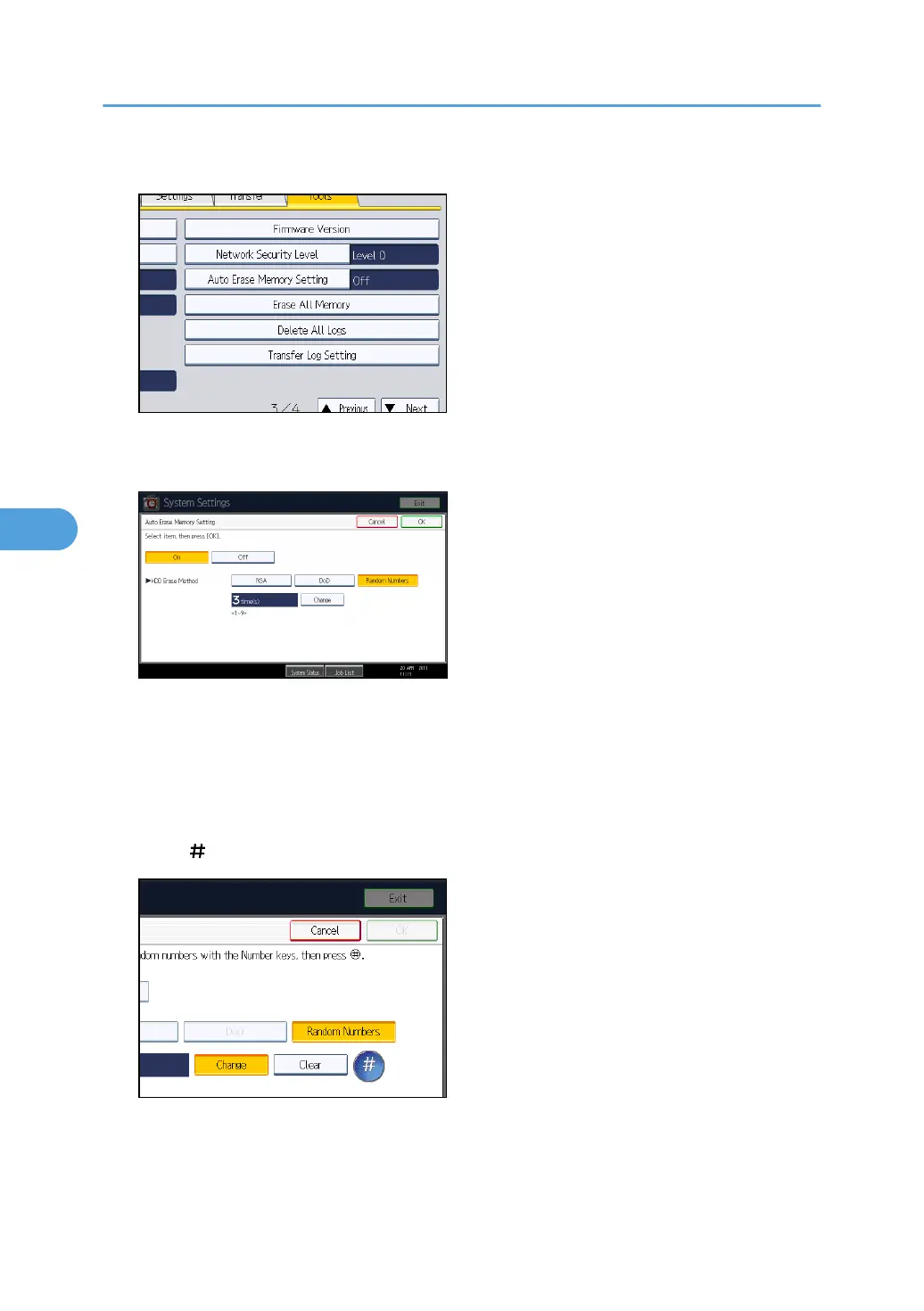
4. Press [Auto Erase Memory Setting].
5. Press [On].
6. Select the method of overwriting.
If you select [NSA] or [DoD], proceed to step 9.
If you select [Random Numbers], proceed to step 7.
For details about the methods of overwriting, see "Methods of Overwriting".
7. Press [Change].
8. Enter the number of times that you want to overwrite using the number keys, and then
press [ ].
9. Press [OK].
Auto Erase Memory is set.
5. Securing Information Sent over the Network or Stored on Hard Disk
144



 To Next Page