Printer Function
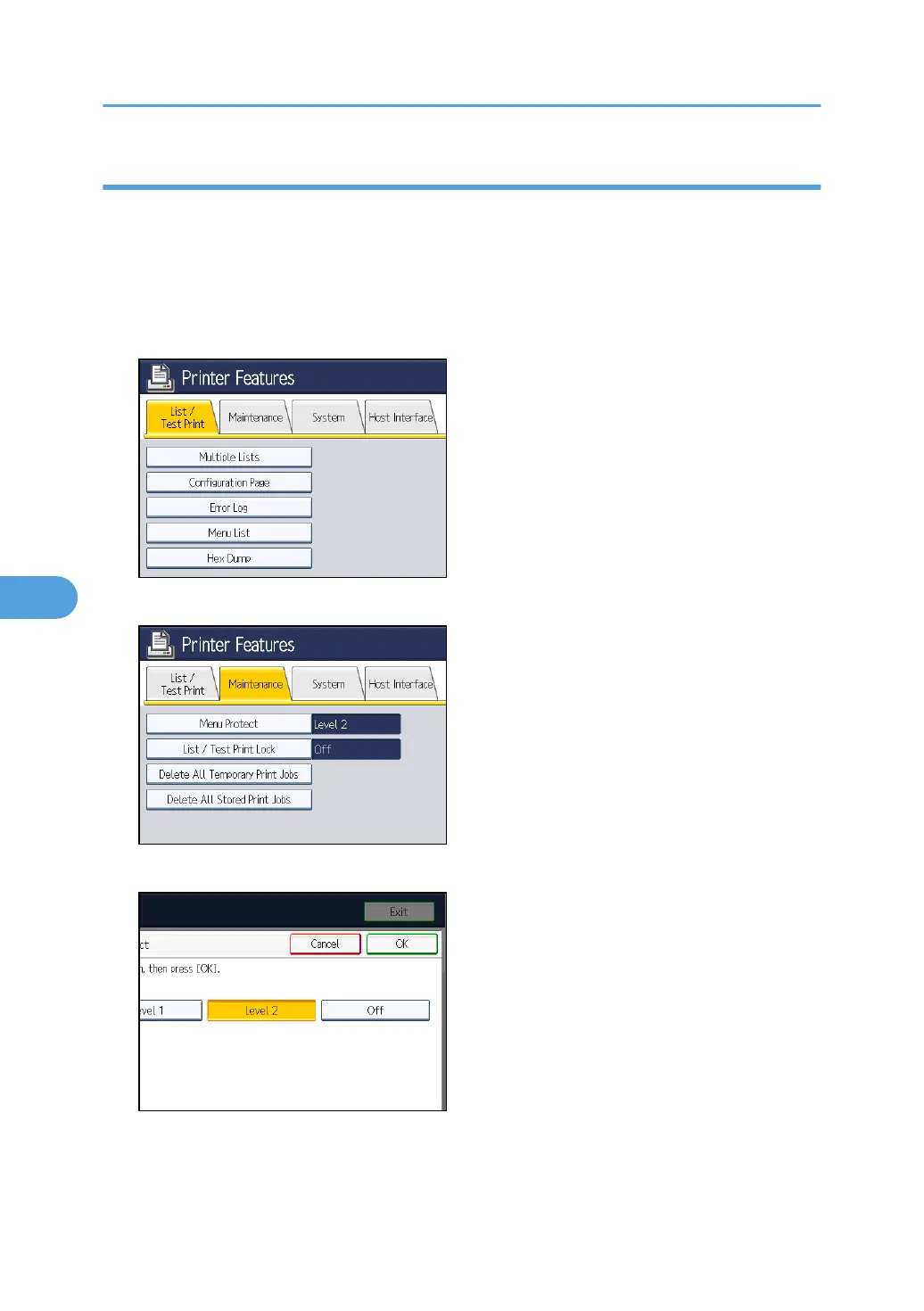
To specify "Menu Protect" in "Printer Features", set "Machine Management" to [On] in "Administrator
Authentication Management" in "Administrator Tools" in "System Settings".
1. Press the [User Tools/Counter] key.
2. Press [Printer Features].
3. Press [Maintenance].
4. Press [Menu Protect].
5. Select the menu protect level, and then press [OK].
6. Press the [User Tools/Counter] key.
6. Managing Access to the Machine
156



 To Next Page