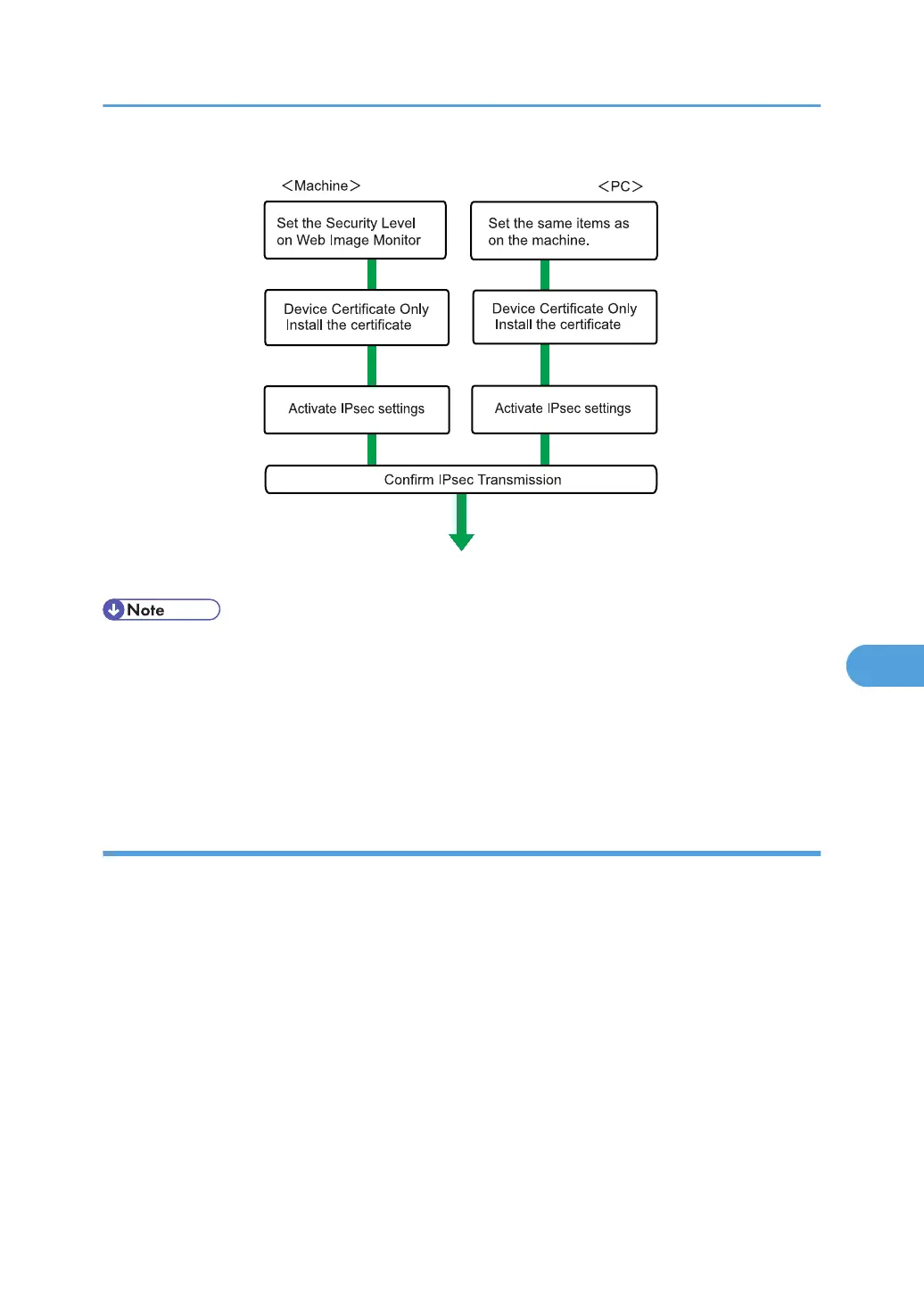
• To use a certificate to authenticate the transmission partner in encryption key auto exchange
settings, a device certificate must be installed.
•
After configuring IPsec, you can use "Ping" command to check if the connection is established
correctly. However, you cannot use "Ping" command when ICMP is excluded from IPsec
transmission on the computer side. Also, because the response is slow during initial key exchange,
it may take some time to confirm that transmission has been established.
Specifying Encryption Key Auto Exchange Settings
This can be specified using Web Image Monitor.
1. Open a Web browser.
2. Enter "http://(the machine's IP address or host name)/" in the address bar.
When entering an IPv4 address, do not begin segments with zeros. For example: If the address is
"192.168.001.010", you must enter it as "192.168.1.10" to connect to the machine.
The top page of Web Image Monitor appears.
3. Click [Login].
The network administrator can log in.
Enter the login user name and login password.
4. Click [Configuration], and then click [IPsec] under "Security".
The IPsec settings page appears.
Transmission Using IPsec
241



 To Next Page