38. Select the security policy that was just created, right click, and then click [Assign].
IPsec settings on the computer are enabled.
• To disable the computer's IPsec settings, select the security policy, right click, and then click [Un-
assign].
•
If you specify the "Authentication and High Level Encryption" security level in encryption key auto
exchange settings, also select the "Master key perfect forward secrecy (PFS)" check box in the
Security Filter Properties screen (which appears in step 27). If using PFS in Windows XP, the PFS
group number used in phase 2 is automatically negotiated in phase 1 from the Diffie-Hellman
group number (set in step 11). Consequently, if you change the security level specified automatic
settings on the machine and "User Setting" appears, you must set the same the group number for
"Phase 1 Diffie-Hellman Group" and "Phase 2 PFS" on the machine to establish IPsec transmission.
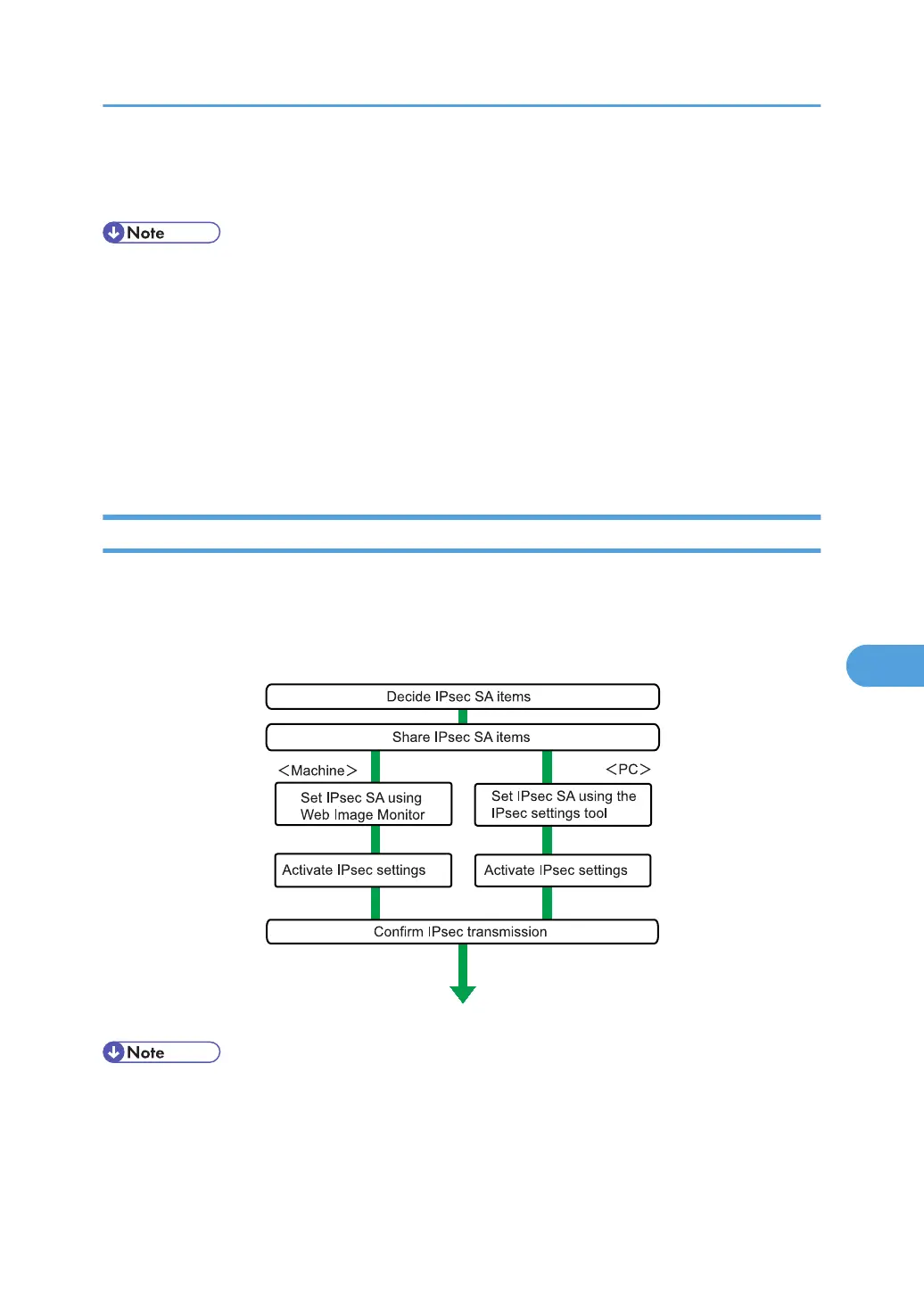
Encryption Key Manual Settings Configuration Flow
This section explains the procedure for specifying encryption key manual settings.
This can be specified by the network administrator.
• Before transmission, SA information is shared and specified by the sender and receiver. To prevent
SA information leakage, we recommend that this exchange is not performed over the network.
•
After configuring IPsec, you can use "Ping" command to check if the connection is established
correctly. However, you cannot use "Ping" command when ICMP is excluded from IPsec
Transmission Using IPsec
245



 To Next Page