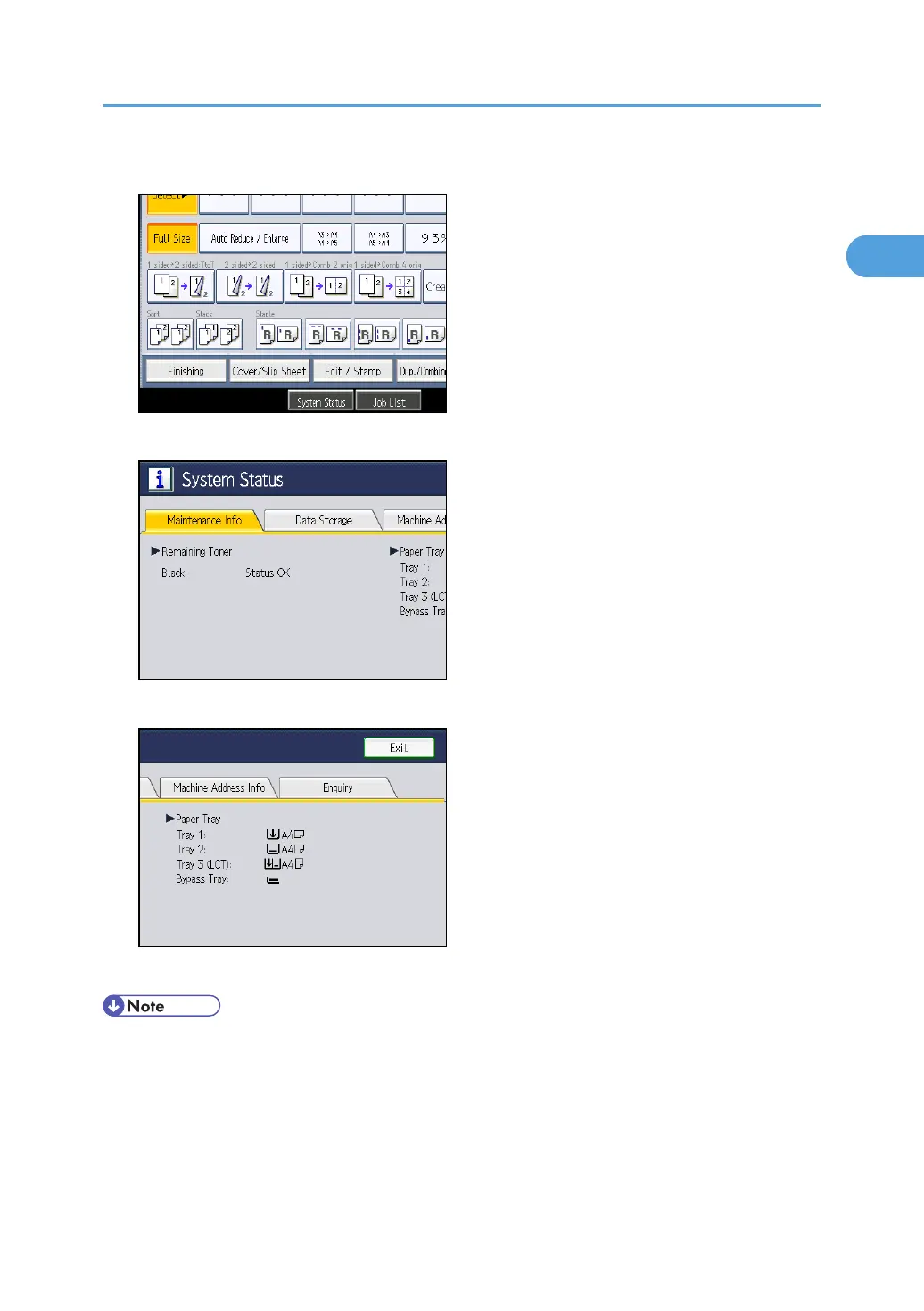
1. On the control panel, press [System Status].
2. Press each tab, and then check the contents.
3. After checking the information, press [Exit].
The previous screen returns.
• [No Staples], [Punch Receptacle Full], [Output Tray Full], [Original Misfeed], [Paper Misfeed], and
[Cover Open] appear on the [Maintenance Info] tab only when these errors occur.
•
Depending on the security settings, the [Machine Address Info] tab might not be displayed.
• For details about how to locate and remove misfeeds, see "Removing Jammed Paper".
Checking Machine Status and Settings
13



 To Next Page