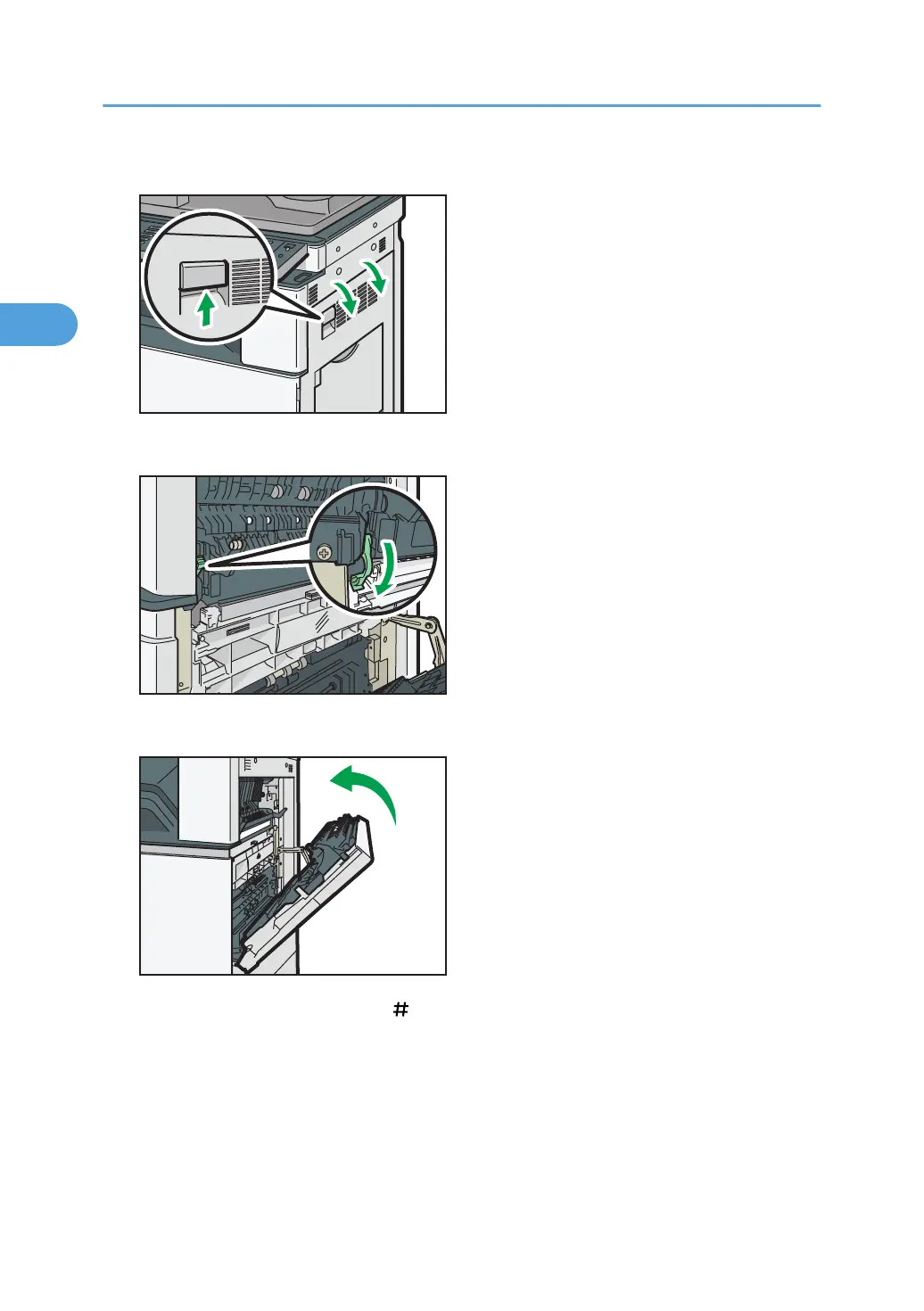
1. Open the right cover by lifting the catch.
2. Push down the envelope lever of the fusing unit on the left.
3. Close the right cover.
4. Select tray 1, and then press the [ ] key.
5. Press [Paper Size].
6. Select the envelope size, and then press [OK] twice.
7. Place the originals, and then press the [Start] key.
2. Basic Copying
42



 To Next Page