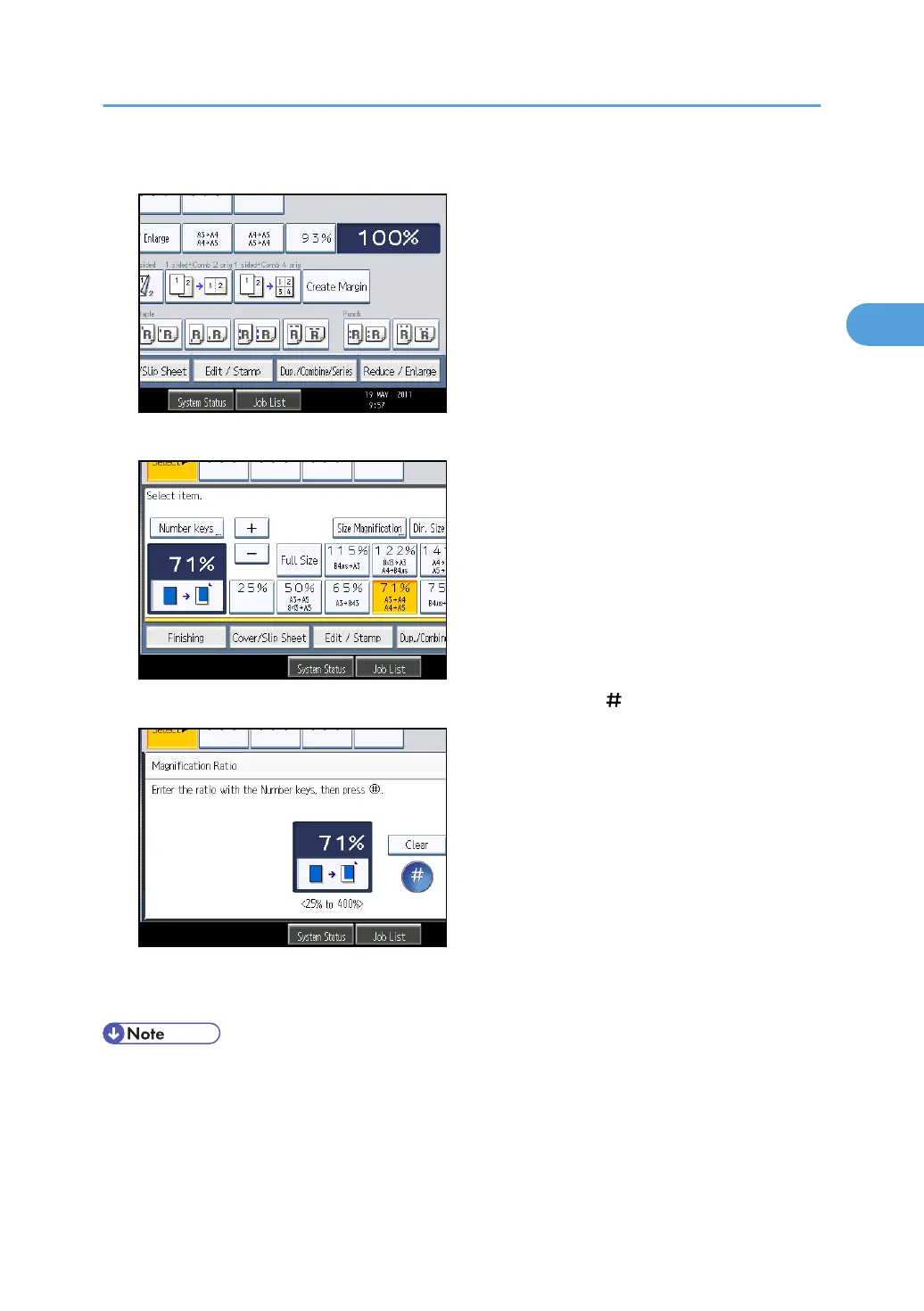
1. Press [Reduce / Enlarge].
2. Press [Number keys].
3. Enter the desired ratio with the number keys, and then press [ ].
4. Press [OK] twice.
5. Place the originals, and then press the [Start] key.
• To change the value you entered, press [Clear], and then enter a new value.
Reducing or Enlarging Originals
59



 To Next Page