(mainly Europe and Asia)
Original location Original size and orientation
Exposure glass A3 , B4 JIS , A4 , B5 JIS , A5 , 8
1
/
2
× 13
ADF A3 , B4 JIS , A4 , B5 JIS , A5 , 11 × 17 ,
8
1
/
2
× 11 , 8
1
/
2
× 13
(mainly North America)
Original location Original size and orientation
Exposure glass 11 × 17 , 8
1
/
2
× 14 , 8
1
/
2
× 11 , 5
1
/
2
× 8
1
/
2
ADF 11 × 17 , 8
1
/
2
× 14 , 8
1
/
2
× 11 , 5
1
/
2
× 8
1
/
2
, 10 × 14 , 7
1
/
4
× 10
1
/
2
, A3 , A4
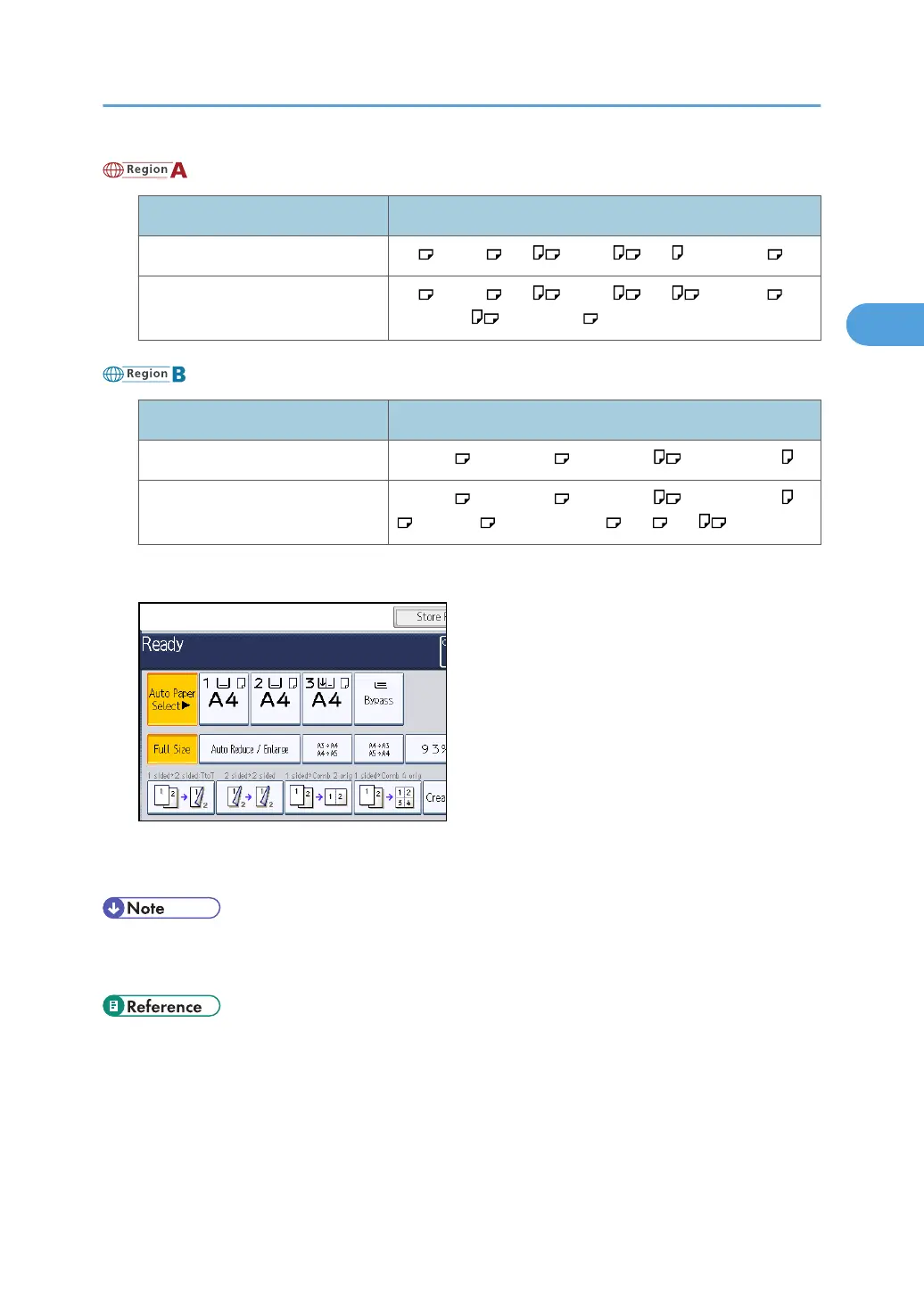
1. Press [Auto Reduce / Enlarge].
2. Select the paper size.
3. Place the originals, and then press the [Start] key.
• You can place originals of different sizes in the ADF at once.
•
The machine selects reproduction ratios of between 25 and 400%.
• p.113 "Rotate Copy"
Reducing or Enlarging Originals
61



 To Next Page