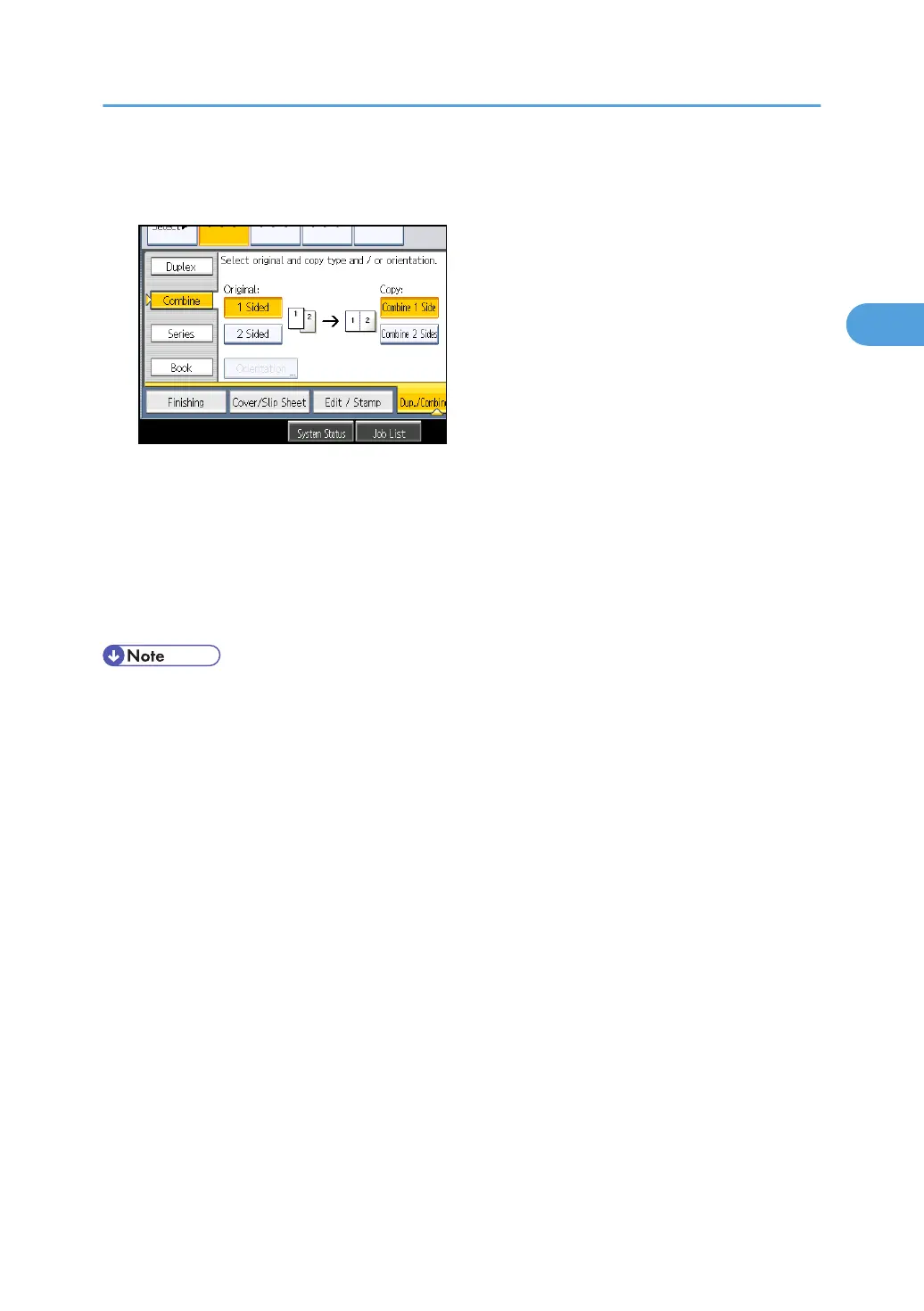
2. Press [Combine].
3. Select [1 Sided] or [2 Sided] for Original, and then press [Combine 2 Sides] for Copy.
4. Press [Orientation].
5. Select orientation ([Top to Top]/[Top to Bottom]), and then press [OK].
6. Select the number of originals to combine.
7. Press [OK].
8. Select the paper size.
9. Place the originals, and then press the [Start] key.
• You cannot use custom size paper.
Combined Copying
73



 To Next Page