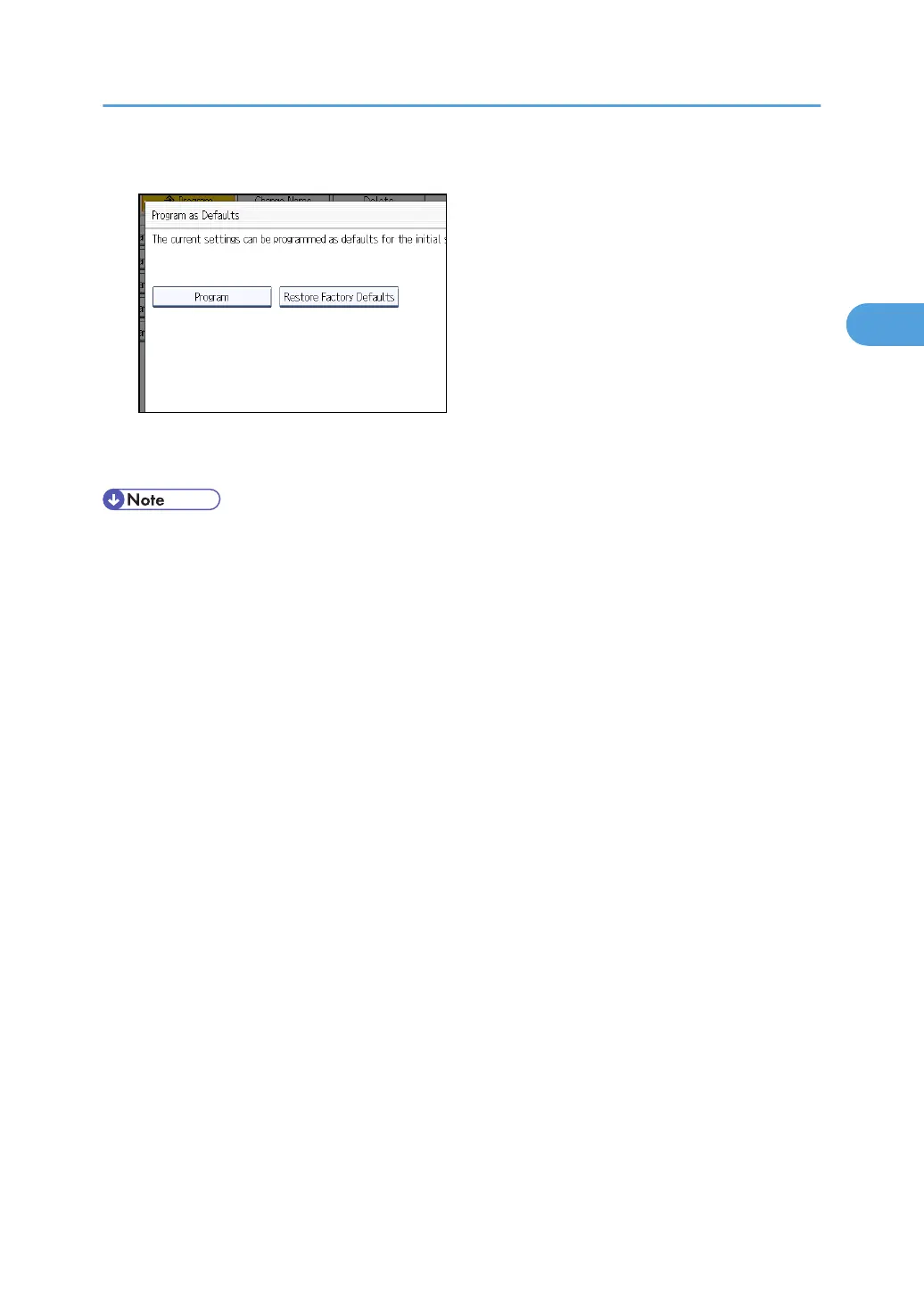
4. Press [Program].
5. When a confirmation dialog appears, press [Yes].
The current settings are programmed as defaults. The screen returns to the initial display.
• To restore the factory default settings on the initial display, press [Restore Factory Defaults].
•
The default settings can be programmed separately for the normal screen and simplified display
screens.
Changing the Default Functions of the Copy's Initial Display
103



 To Next Page