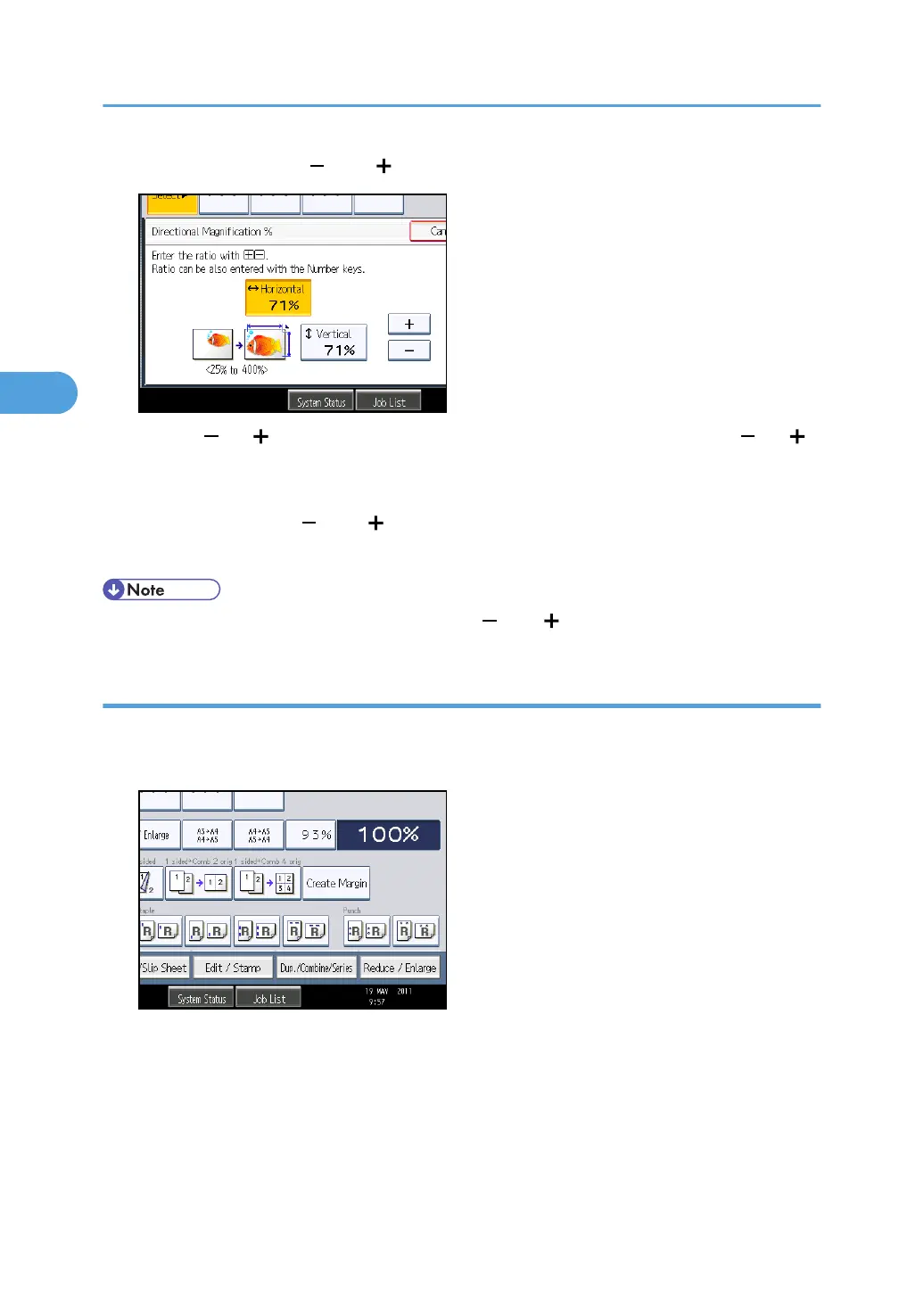
5. Adjust the ratio using [ ] and [ ].
Pressing [ ] or [ ] changes the ratio in increments of 1%. Pressing and holding down [ ] or [ ]
changes it in increments of 10%.
6. Press [Vertical].
7. Adjust the ratio with [ ] and [ ].
8. Press [OK] twice.
• To change the value you entered, readjust it with [ ] and [ ].
Entering the ratio with the number keys
Enter a ratio using the number keys.
1. Press [Reduce / Enlarge].
2. Press [Direct. Mag. %].
3. Advanced Copying
118



 To Next Page