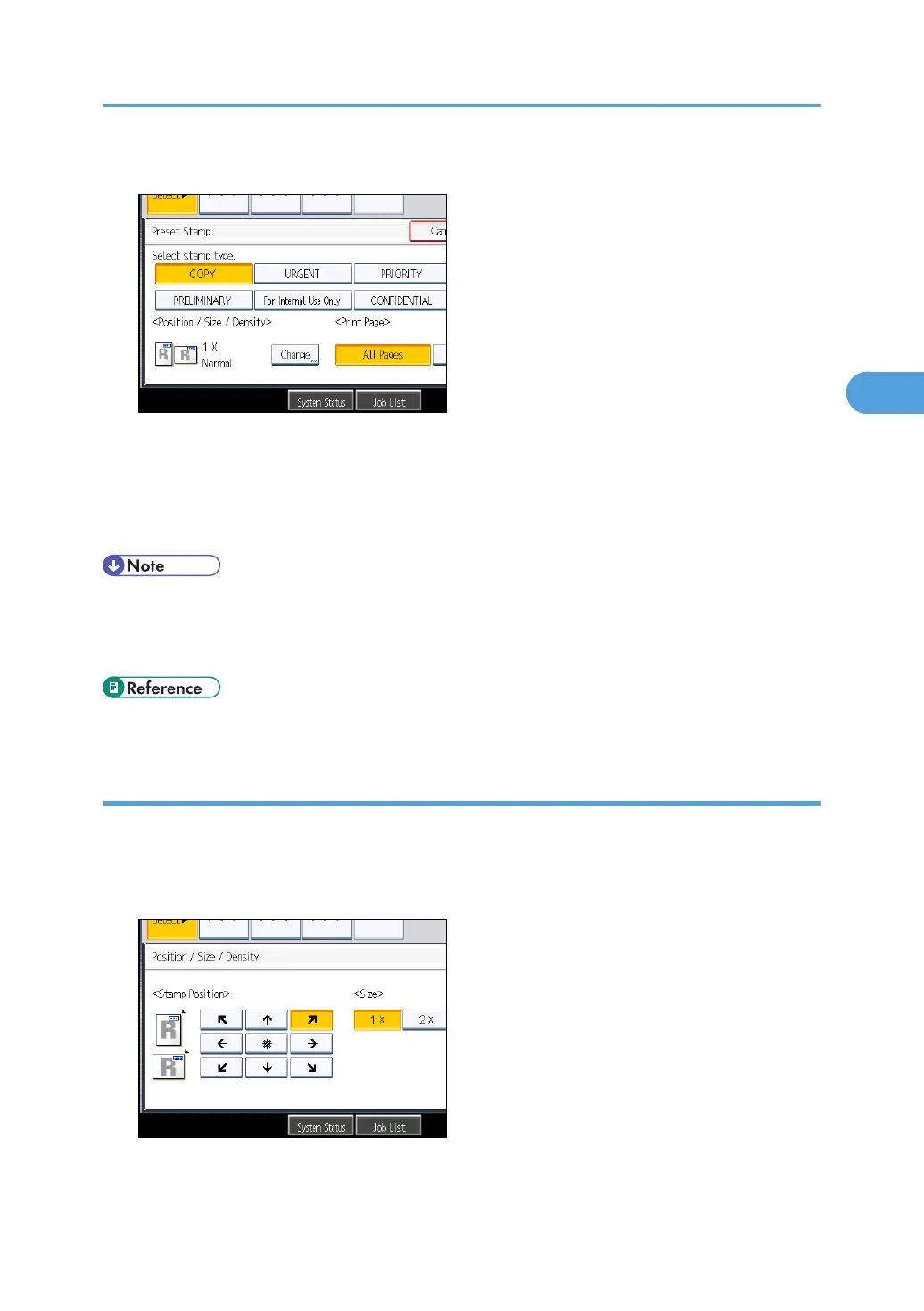
4. Select the desired message.
You can change the position, size, and density of the stamp.
5. Press [All Pages] or [1st Page Only] to select the print page.
6. After making all settings, press [OK].
7. Press [OK].
• You can change the settings for Preset Stamp under Stamp in User Tools. Depending on the setting,
density may change. For details about Stamp, see “Stamp”.
•
Depending on paper size, if you change the stamp size, parts of the stamp might not be printed.
• p.212 "Stamp"
Changing the stamp position, size, and density
Changes the stamp position, size, and density.
1. Press [Change] under Position / Size / Density.
2. Select the stamp position, size, and density, and then press [OK].
Stamps
127



 To Next Page