• p.212 "Stamp"
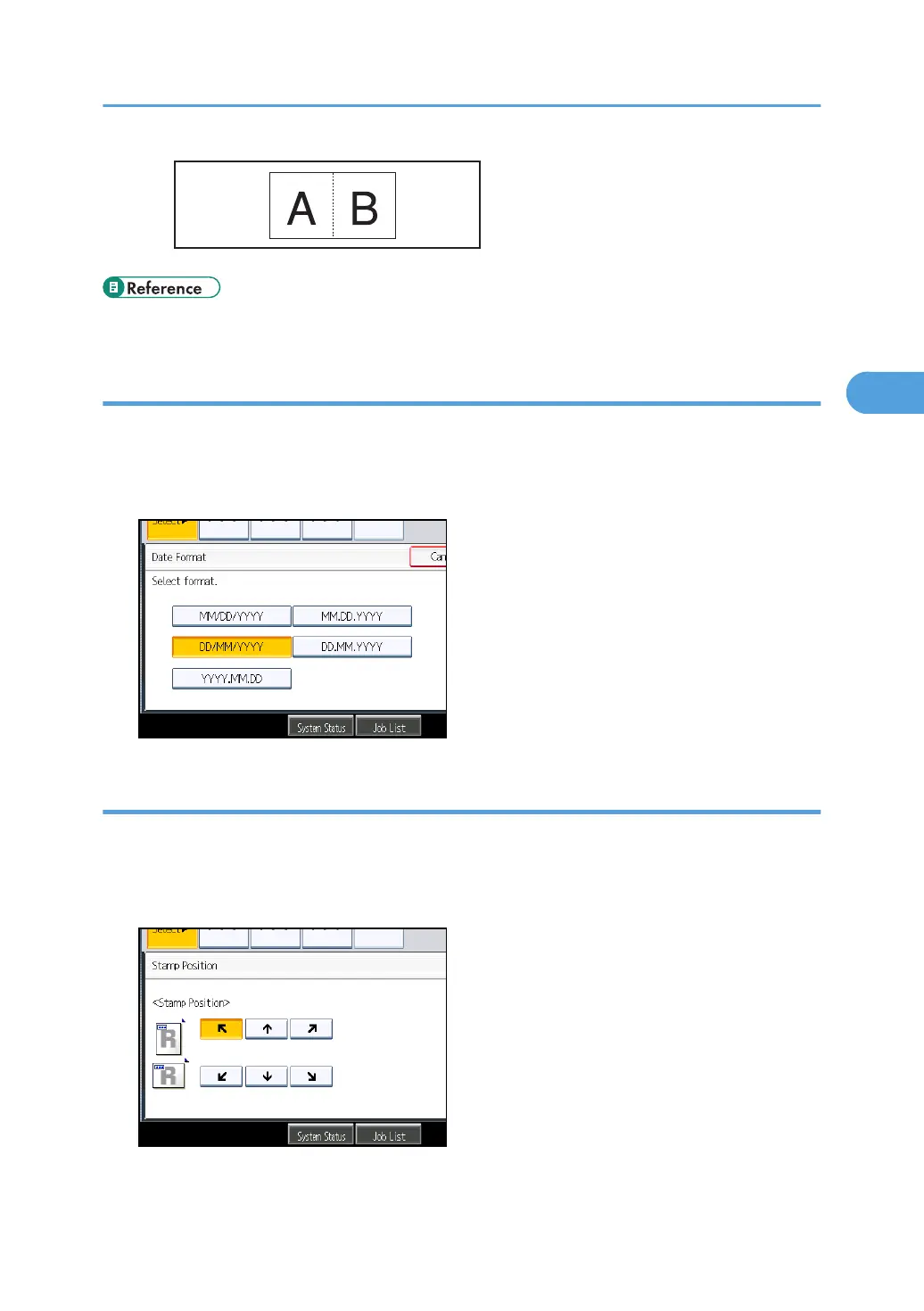
Changing the format of date
Changes the format of date.
1. Press [Change Format] under Current Date.
2. Select the date format, and then press [OK].
Changing the stamp position
Changes the stamp position.
1. Press [Change] under Stamp Position.
2. Select the stamp position, and then press [OK].
Stamps
135



 To Next Page