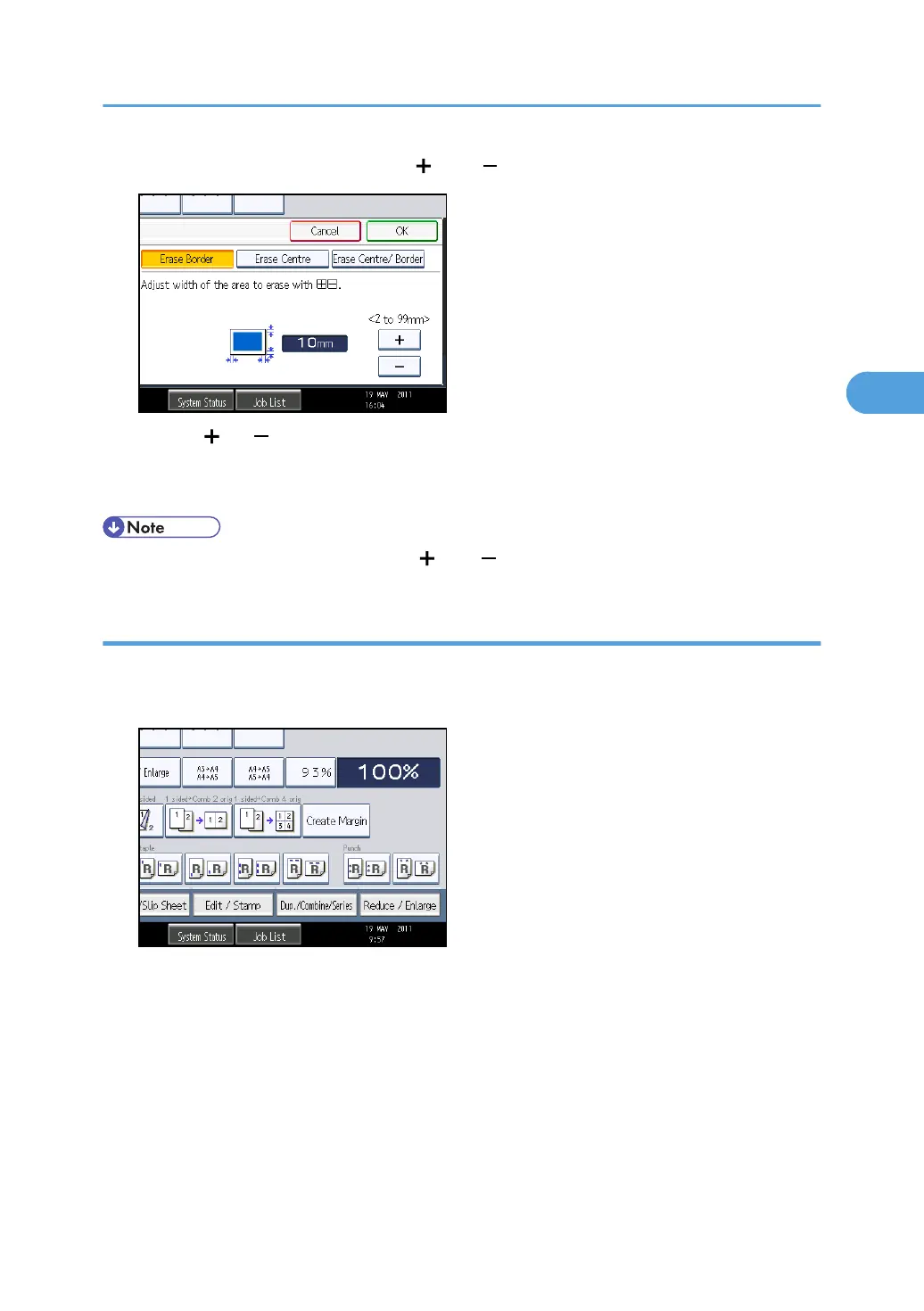
6. Specify an erase border width with [ ] and [ ].
Pressing [ ] or [ ] changes the width in increments of 1 mm (0.1 inches). Pressing and holding
down the relevant key changes the width in increments of 10 mm (1 inch).
7. Press [OK] twice.
• To change the value you entered, press [ ] and [ ], and then specify a new value.
Erase Border (different width)
Erases the edge margins of the original image.
1. Press [Edit / Stamp].
2. Press [Erase].
3. Press [Erase Centre / Border].
4. Press [Erase Border].
5. Press [Different Width].
Advanced Copier Functions
147



 To Next Page