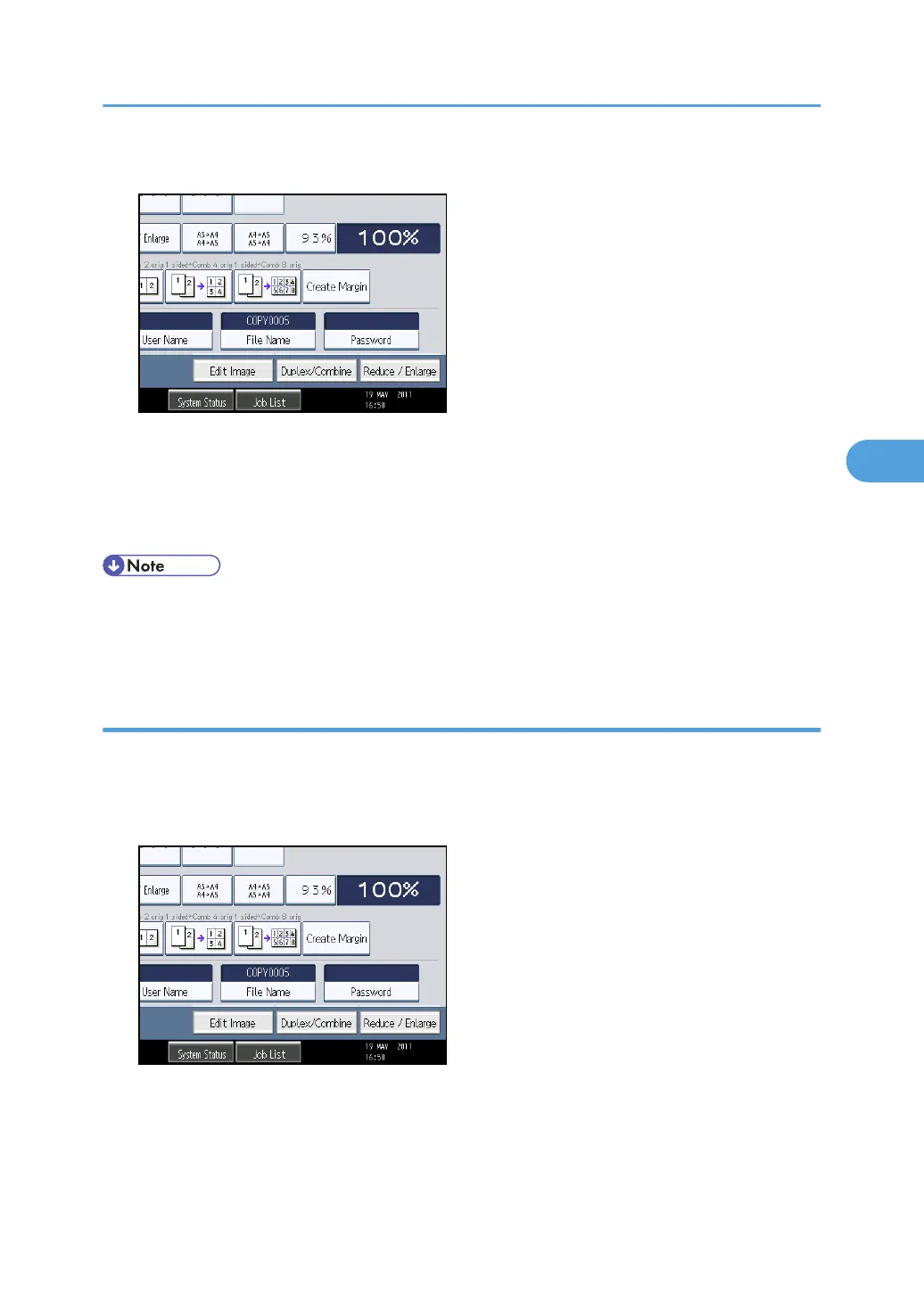
2. Press [File Name].
The soft keyboard appears.
3. Press [Delete All] to delete automatically generated document name.
Pressing [Backspace] allows you to delete up to any desired position.
4. Enter a document name, and then press [OK].
• You can enter up to 20 characters for a document name. In the list, however, up to 16 characters
are displayed as the document name. If above limits are exceeded, the list will display up to 15
characters for the document name.
Specifying a password
You can specify a password for the stored document.
1. Press [Scan Original].
2. Press [Password].
Using the Document Server
181



 To Next Page