Interrupting a print job
Interrupts a print job.
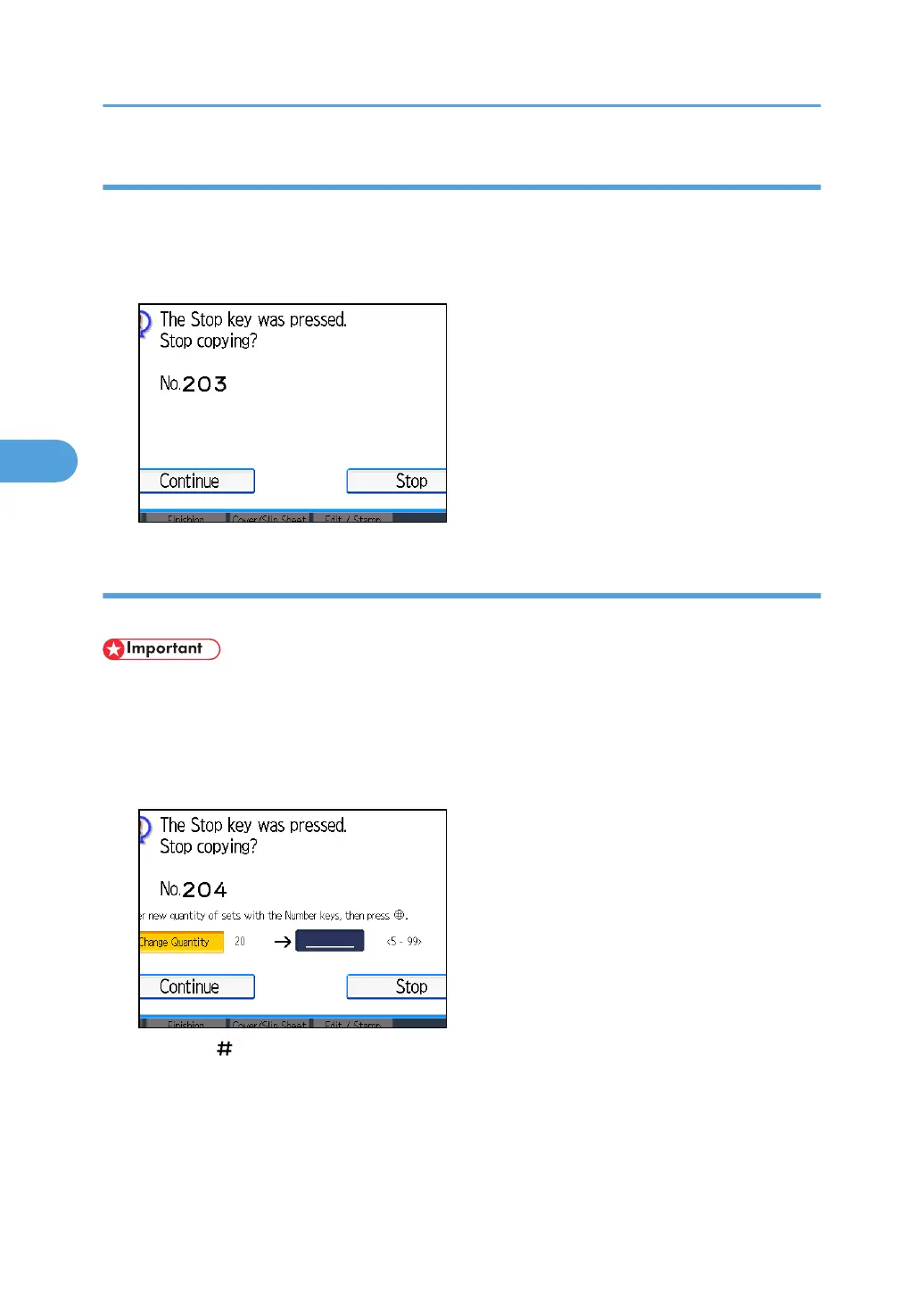
1. Press the [Clear/Stop] key.
2. Press [Stop].
Changing the number of print copies while printing is in progress
You can change the number of sets during printing.
• This function can be used only when the Sort function is selected in the printing conditions.
1. Press the [Clear/Stop] key.
2. Press [Change Quantity].
3. Enter the number of sets anew with the number keys.
4. Press the [ ] key.
5. Press [Continue].
Printing will be resumed.
4. Document Server
190



 To Next Page