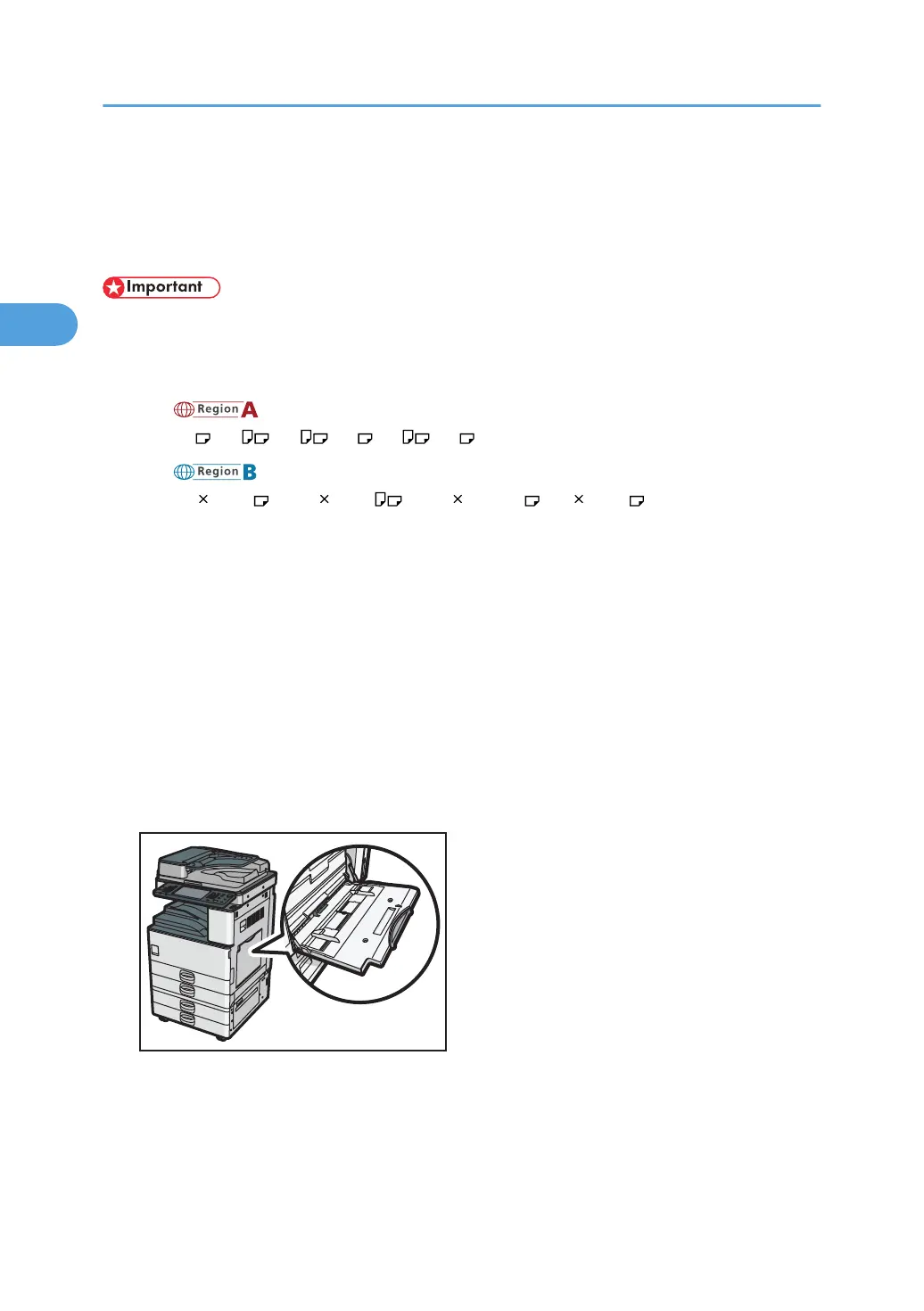
Setting Paper on the Bypass Tray
You can load paper that is not supported in the paper trays. Additionally, you can print on paper such
as thick paper, OHP transparency, and label paper by using the bypass tray.
• Paper sizes that can be loaded onto the bypass tray can be 90.0 to 305.0 mm (3.55 to 12.00 in.)
vertically, and 148.0 to 600.0 mm (5.83 to 23.62 in.) horizontally.
•
The machine can automatically detect the following sizes as regular size paper:
•
(mainly Europe and Asia)
A3 , A4 , A5 , B4 , B5 , B6
• (mainly North America)
11 17 in. , 8
1
/
2
11 in. , 5
1
/
2
8
1
/
2
in. , 10 15 in.
• If you want to use the size of paper other than the above, configure the paper settings
appropriately using both the printer driver and the control panel according to the paper
orientation.
•
The following functions are disabled when printing from the bypass tray:
• Auto Tray Select
• Extended Auto Tray Switching
• Rotating Collate
• Staple (when the optional finisher is installed)
• Punch (when the optional finisher and punch unit are installed)
1. Open the bypass tray.
2. Insert the paper face down until you hear the beep, and then align the paper guides to
the paper size.
If the guides are not flush against the paper, images might be skewed or paper misfeeds might
occur.
2. Printing Documents
54



 To Next Page