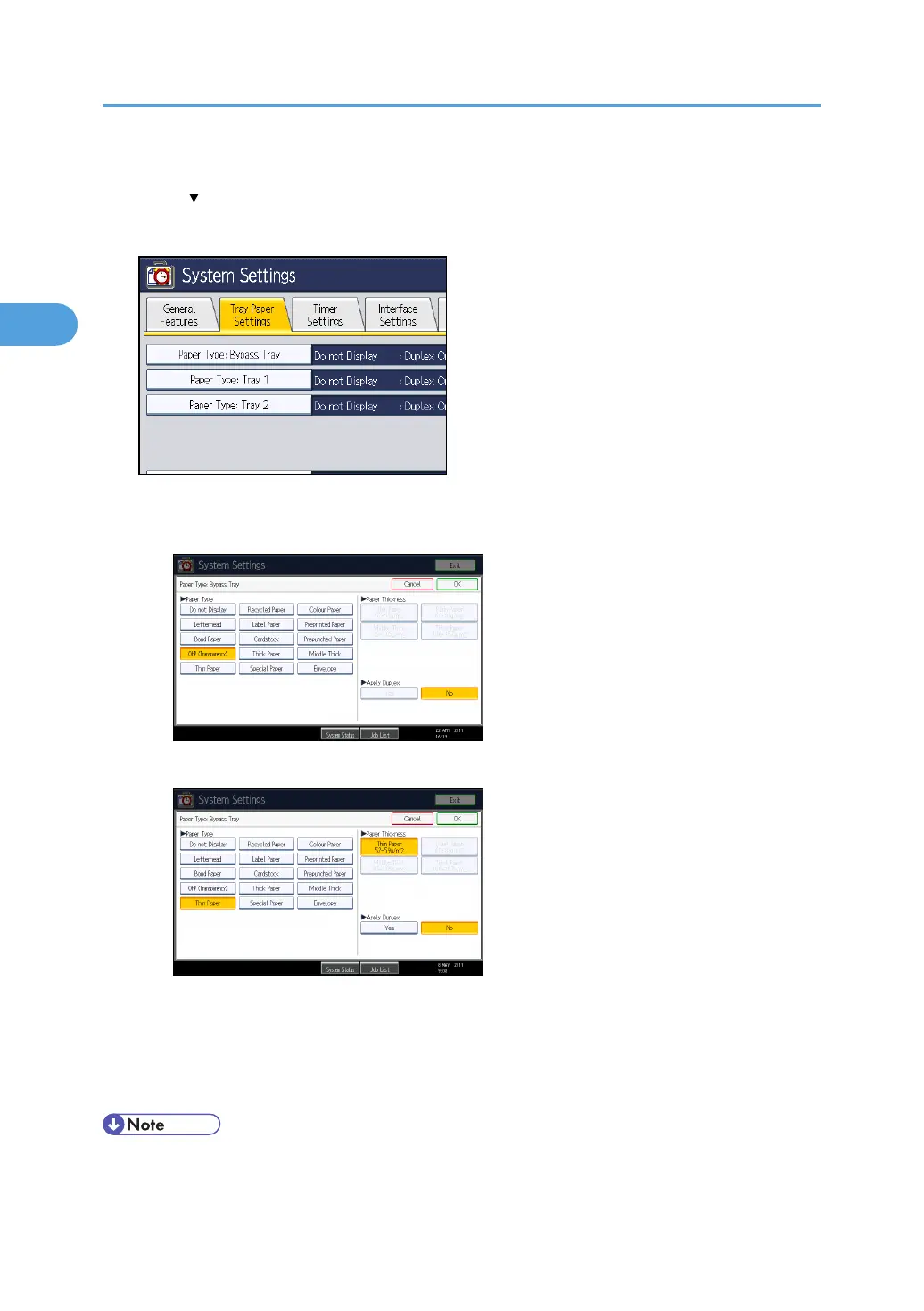
3. Press the [Tray Paper Settings] tab.
4. Press [ Next] to scroll through the list.
5. Press [Paper Type: Bypass Tray].
6. Select the proper items, according to the paper type you want to set.
•
Press [OHP (Transparency)] in the [Paper Type] area when loading OHP transparencies.
• When loading thin paper or thick paper, select the appropriate item in the [Paper Type] area.
7. Press [OK].
The paper type selected is displayed.
8. Press the [User Tools/Counter] key.
The initial screen appears.
• Printing on special paper such as thick paper, thin paper or OHP transparencies may be slower
than printing on plain paper.
2. Printing Documents
60



 To Next Page