4. Click [OK] to close the [Printing Preferences] dialog box.
5. Print the document using the print function in the document's native application.
• This function is also available using the PostScript 3 printer driver. For details, see PostScript 3
Supplement.
•
If the document contains pages with different original sizes, page breaks may occur.
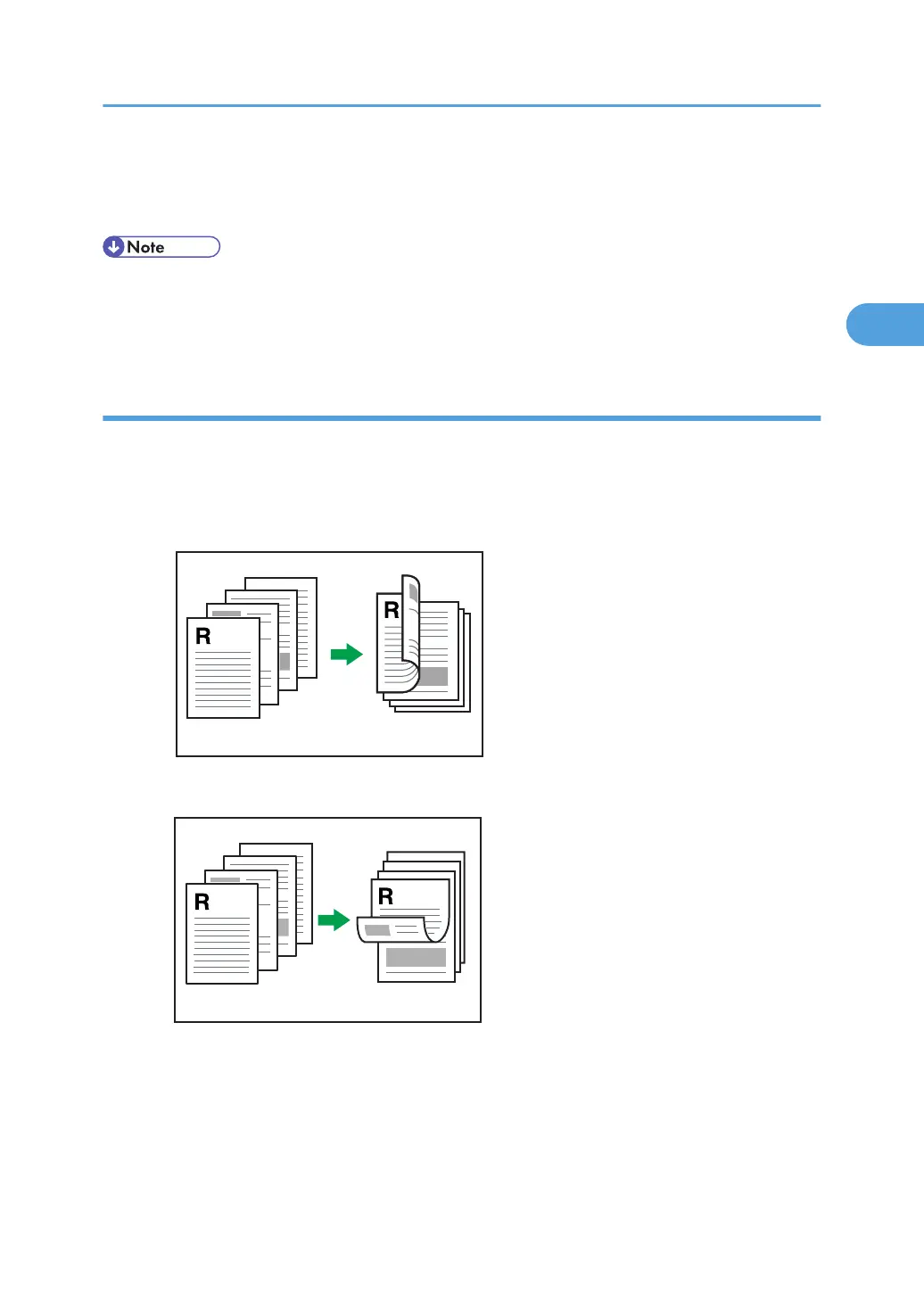
Types of duplex printing
This section explains the binding directions available when using the duplex printing function. When
using the duplex printing function, you can select whether to bind copies by edge or in the center.
Edge Binding
•
Open to Left
• Open to Top
Frequently Used Print Methods
71



 To Next Page