• When combined with the staple function.
•
When combined with the punch function.
• When a paper tray is specified.
• When combined with the chaptering function.
• If custom size paper is set.
• When the output tray has the shift function.
• If jobs containing pages of various sizes are set.
• When combined with the cover sheet or back cover sheet functions.
• When combined with the slip sheet function.
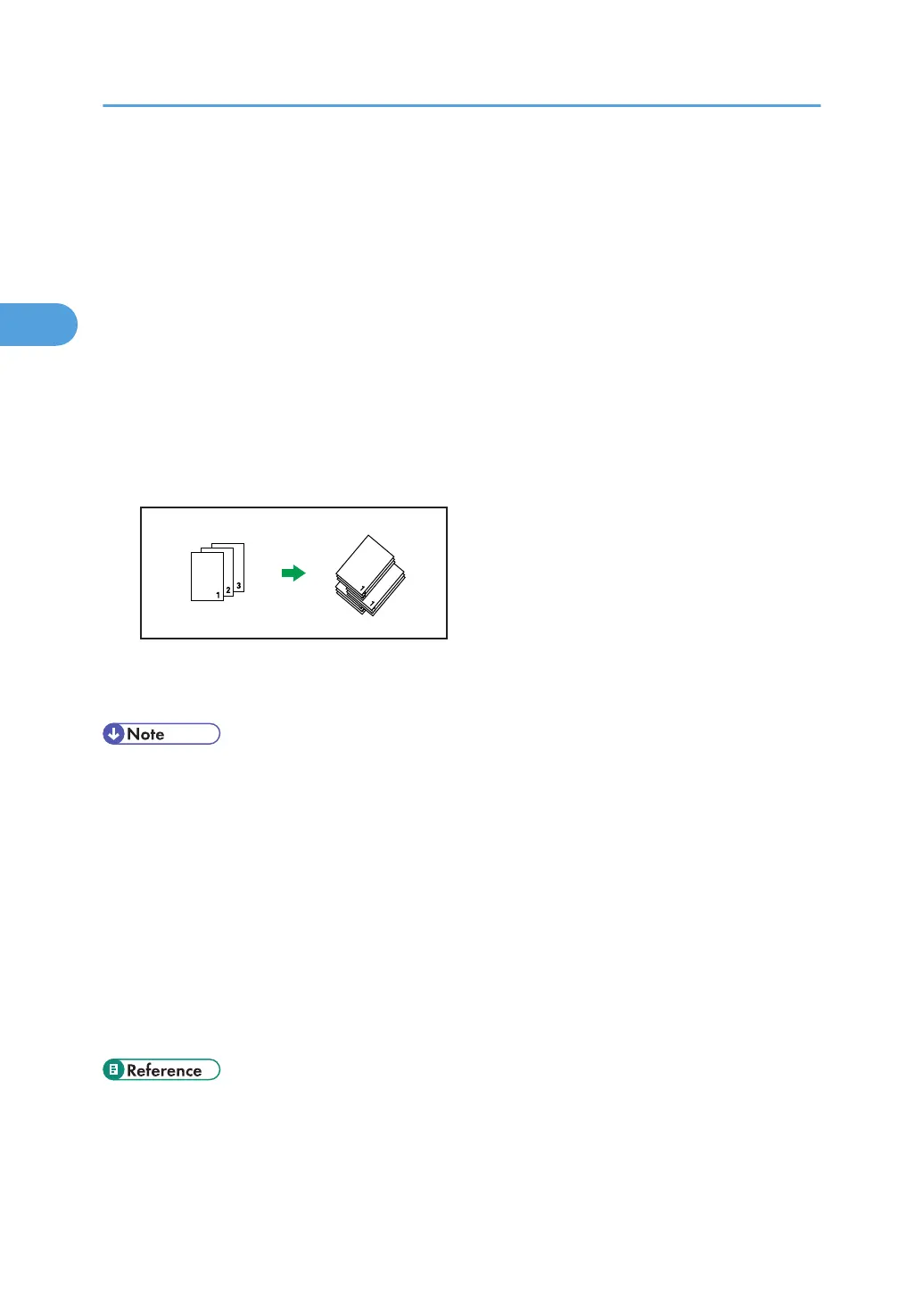
Shift Collate
An optional finisher is required for this function.
The finisher shift tray moves backward or forward when a job or set is output, causing the next to
shift, so you can separate them.
• This function is also available using the PostScript 3 printer driver. For details, see PostScript 3
Supplement.
•
If both the [Extended Auto Tray Switching] setting and the Rotating Collate function are enabled
when paper in the selected tray runs out, the [Extended Auto Tray Switching] setting will be
disabled. An error message reporting paper empty will then be displayed.
• When Rotating Collate has been selected, printing speed will be slower than with other collate
functions.
• If you cannot make Shift Collate even with an optional finisher installed, options may not be set up
correctly in the printer driver. To correct the printer driver's option settings, see "Making Option
Settings for the Printer".
• For details, see the printer driver Help.
• p.45 "Making Option Settings for the Printer"
•
p.94 "If Error Occurs with the Specified Paper Size and Type"
• p.153 "System"
2. Printing Documents
78


 To Next Page