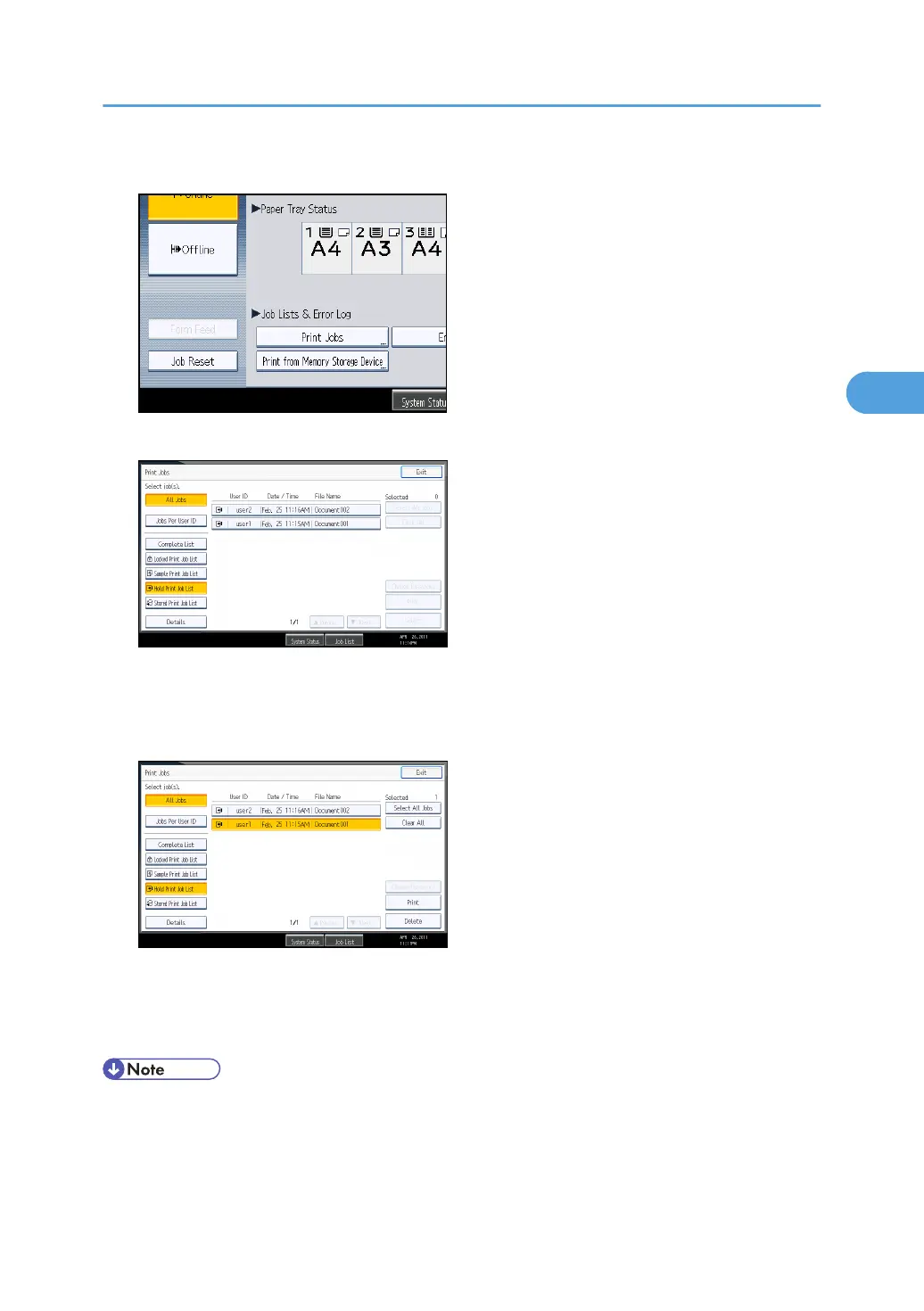
6. Press [Print Jobs].
7. Press [Hold Print Job List].
A list of Hold print files stored in the machine appears.
Depending on the security settings, certain print jobs may not be displayed.
8. Select the file you want to print, and press [Print].
The confirmation screen appears.
9. Press [Yes].
The Hold Print file is printed.
• If you want to cancel printing, press [No] in step 9.
•
When printing is completed, the stored file is deleted.
• To stop printing after printing has started, press [Exit] until the printer screen appears, and then
press [Job Reset]. The file will be deleted.
Printing from the Print Job Screen
119



 To Next Page