Prints the file immediately and also stores the file in the machine. Any user who has print
privileges can print any stored file afterward.
2. Click [Details...], and then enter a User ID in the [User ID:] box.
You can also set a file name and a password. The same password must be entered when printing
or deleting.
3. Click [OK] to close [Details...], and then click [OK] to close the printer driver's properties.
4. Start printing from the application's [Print] dialog box.
The Stored Print job is sent to the machine and stored.
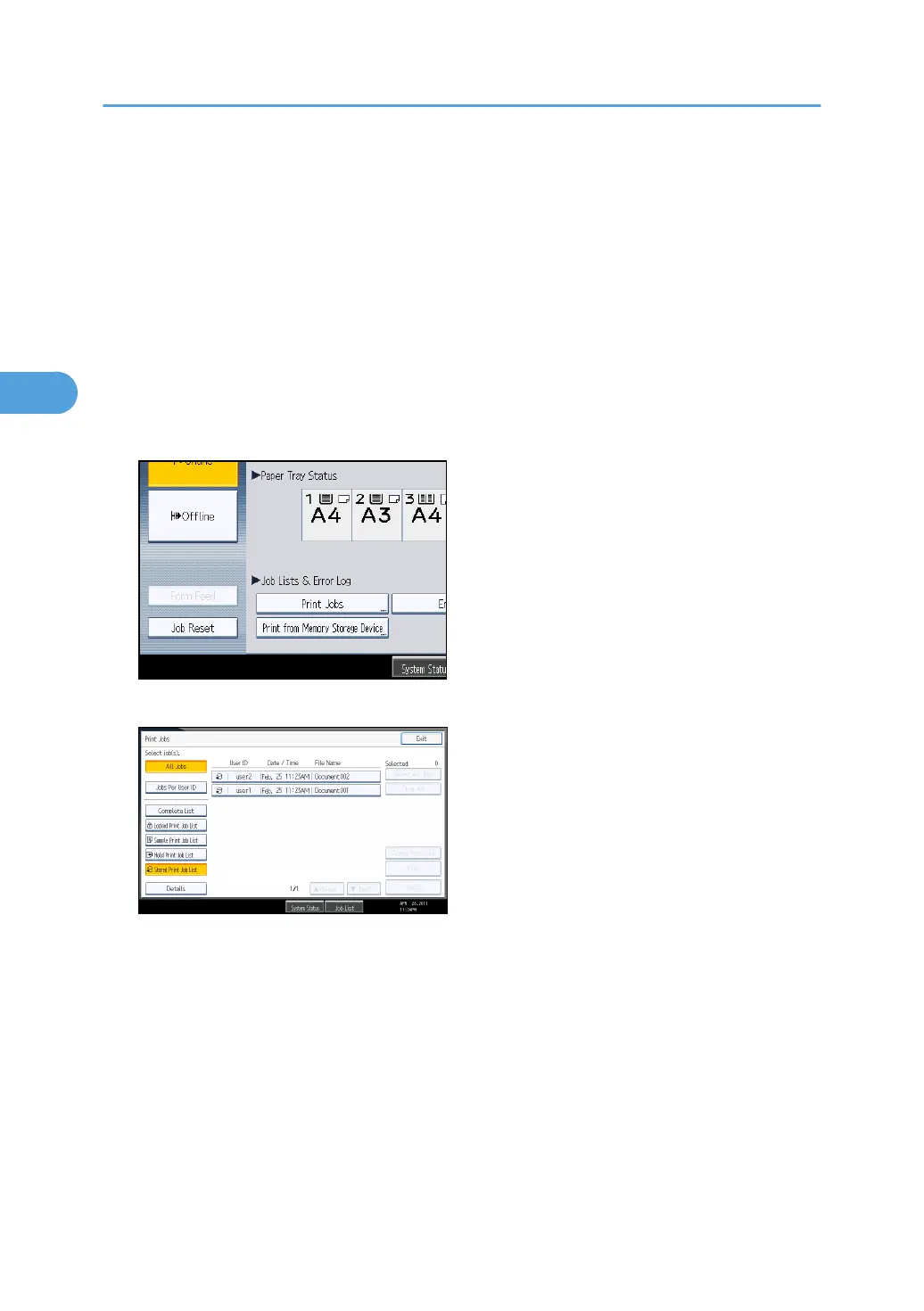
5. On the control panel, press the [Printer] key to display the printer screen.
6. Press [Print Jobs].
7. Press [Stored Print Job List].
A list of Stored Print files stored in the machine appears.
Depending on the security settings, certain print jobs may not be displayed.
3. Printing Stored Documents
122



 To Next Page