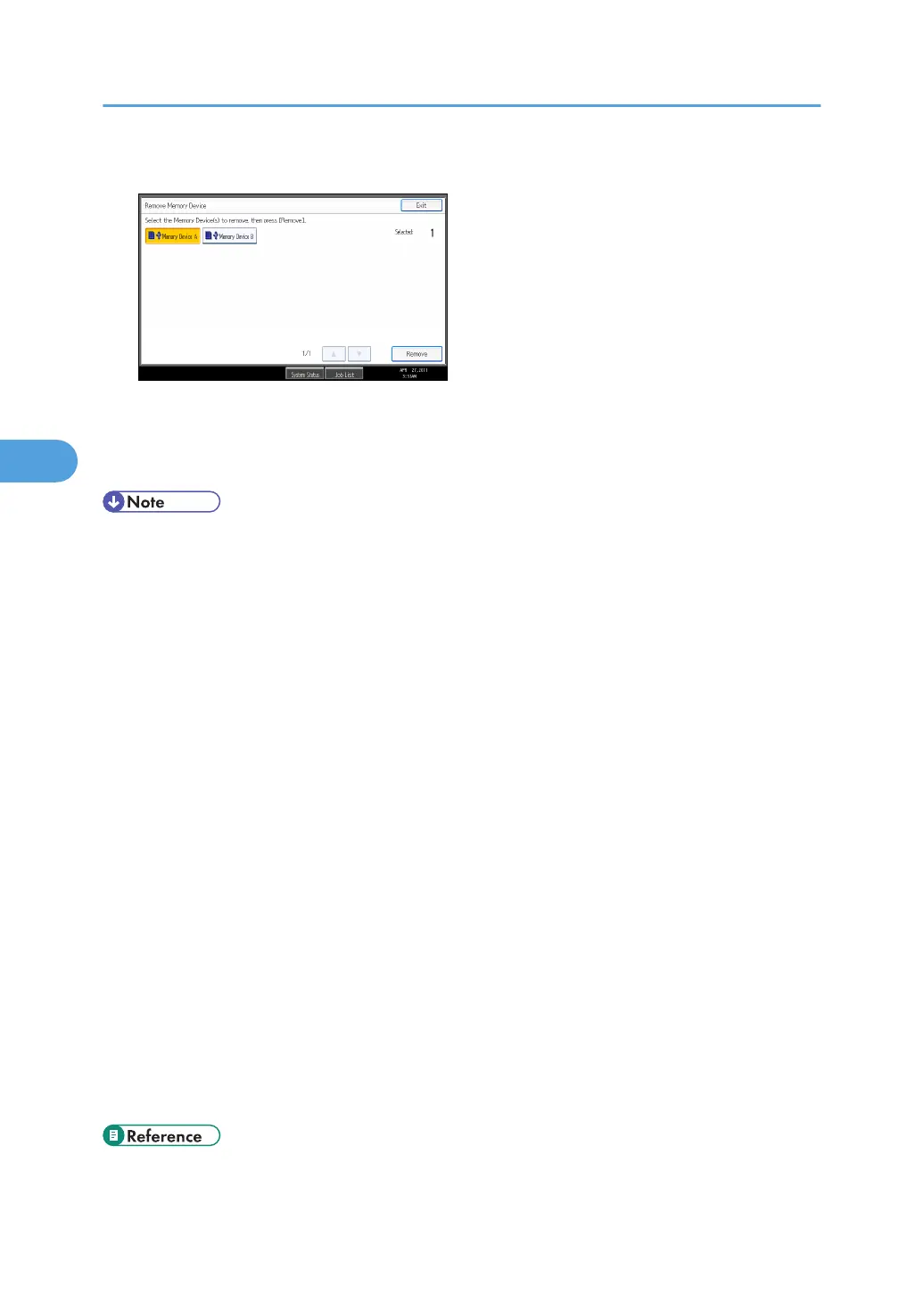
9. Select the removable memory device you want to remove, and then press [Remove].
You can select multiple removable memory devices at once.
10. On the confirmation screen, press [Exit].
Remove the removable memory device.
• Depending on the security setting, [Print from Memory Storage Device] may not appear. For
details, consult your administrator.
• You cannot select multiple TIFF files, PDF files, or files of different formats at the same time.
• If you move between different folders or select another removable memory device, file selection
will be canceled.
• Files or groups of files larger than 1 GB cannot be printed.
• You can select up to 999 JPEG files at once, as long as the total size of the files you select does not
exceed 1 GB.
• The availability of paper sizes depends on the format of the selected file. For a JPEG file, you
cannot select sizes that are not available for the format of the file.
• Paper size is not automatically selected when a JPEG file is selected.
• If you insert another removable memory device while following the procedure above, a list of files
and folders in the root directory on that removable memory device will appear.
• If the removable memory device is partitioned, only the files stored on the first partition can be
printed.
• If a USB flash memory device is inserted in the media slot, the LED on the slot will light up and
remain lit.
• If an SD card is inserted in the media slot, the LED on the slot will not light up, but will flash when
the card is being read.
• Do not remove a removable memory device or disconnect a USB cable while the LED is flashing.
• For details about staple and punch functions, see "Staple" and "Punch".
• p.79 "Staple"
4. Printing Files from an External Memory Device
142



 To Next Page