3. Main power switch
If the machine does not operate after turning on the operation switch, check if the main power switch is turned
on. If it is off, turn it on. See “Turning On/Off the Power”.
4.
Exposure glass
Place originals face down here.
5. Control panel
See “Control Panel”.
6. Internal tray 1
Copied/printed paper and fax messages are delivered here.
7. Front cover
Open to access the inside of the machine.
8. Paper trays (trays 1
2)
Load paper here.
9.
Lower paper trays (optional)
Load paper here.
10. Operation switch
Press to turn the power on (the operation switch indicator lights up). To turn the power off, press again (the
operation switch indicator goes off). See “Turning On/Off the Power”.
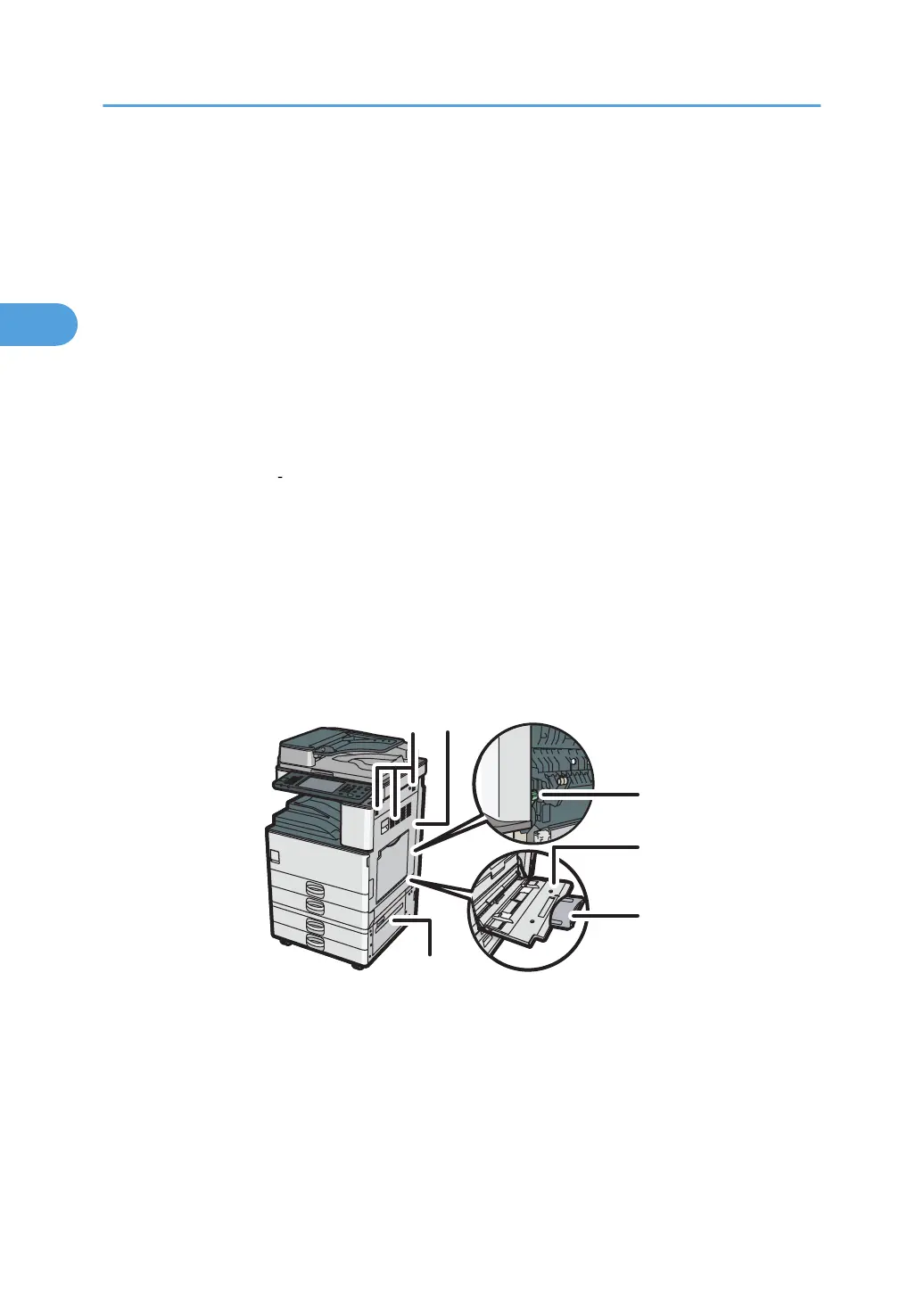
Front and right view
1. Ventilation holes
Prevent overheating.
2.
Right cover
To remove paper jams or use the envelope lever, open this cover.
3. Envelope lever
To load envelopes in tray 1 or the bypass tray, push down this lever.
2. Getting Started
30



 To Next Page