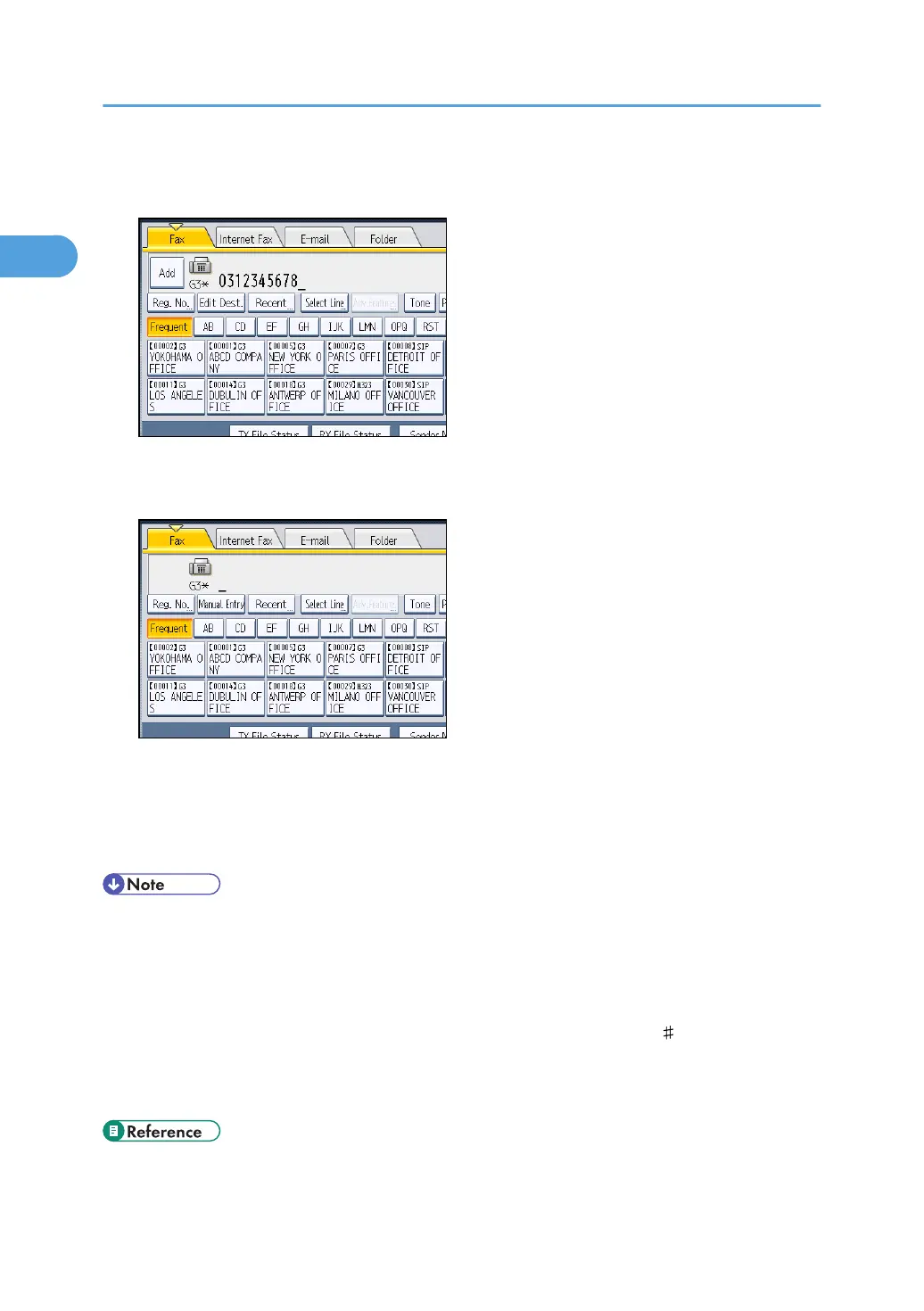
5. When sending the same original to several destinations (broadcasting), press [Add] to
specify the destinations.
You do not have to press [Add] when adding a destination using the destination list.
6. Specify the next destination.
Press the transmission type tab to switch the transmission type between fax/IP-Fax, Internet Fax, e-
mail, and folder.
Multiple transmission types can be specified simultaneously.
7. Press the [Start] key.
• If the combined total number of programmed destinations exceeds the maximum value, only
Immediate Transmission is possible.
•
For the maximum values of the following items, see “Maximum Values”:
• Number of documents you can store in memory for Memory Transmission
• Number of pages you can store in memory (using A4 Standard <ITU-T
1 Chart>)
•
Number of destinations you can specify per file
• Number of destinations you can specify for all files (including files in memory)
• p.69 "Scan Settings"
1. Transmission
28



 To Next Page