• Stamp only works when scanning from the ADF.
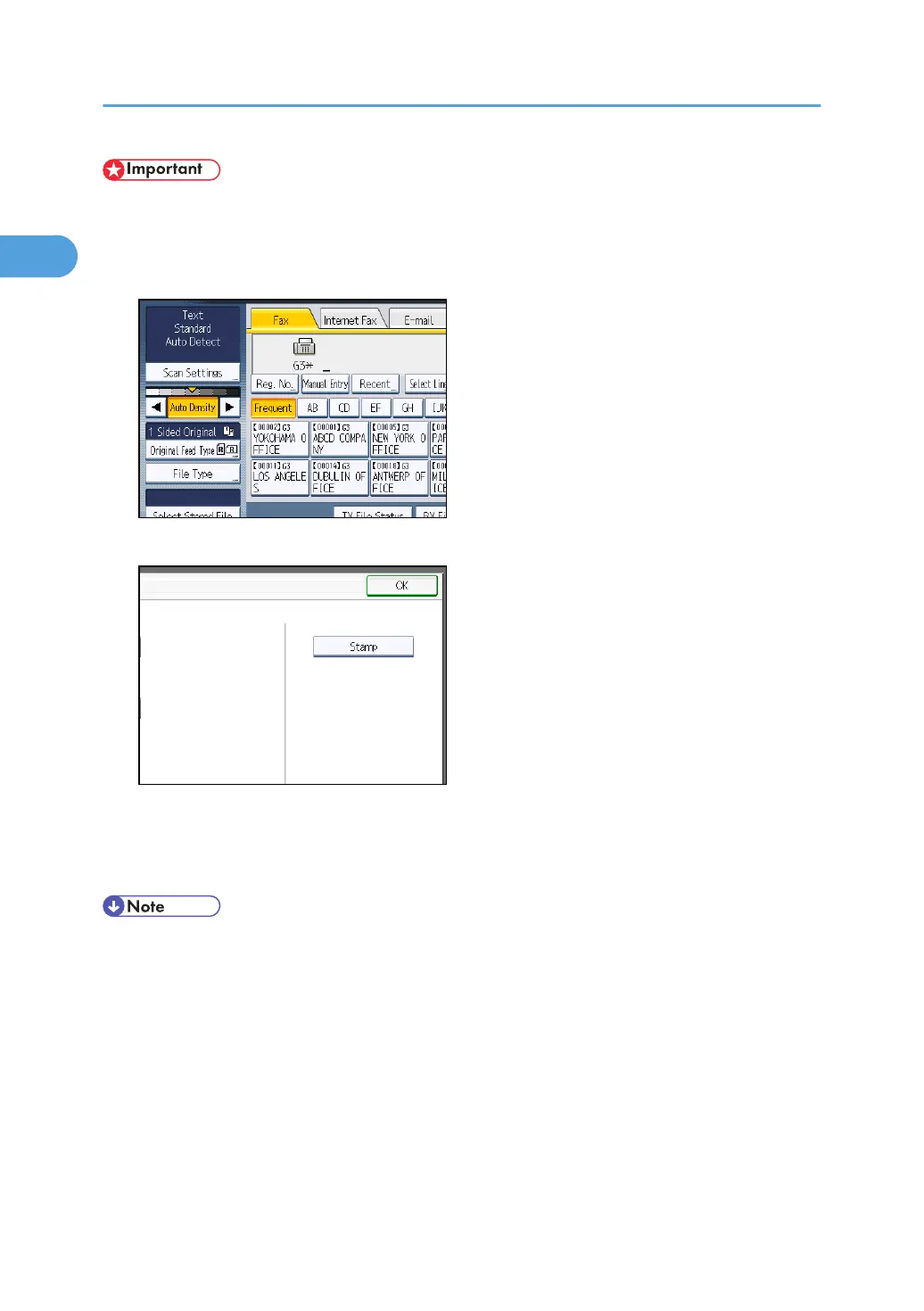
1. Place the original, and then select the scan settings you require.
2. Press [Original Feed Type].
3. Press [Stamp].
To cancel the stamp, press [Stamp] again before pressing [OK].
4. Press [OK].
5. Specify the destination, and then press the [Start] key.
• This stamp indicates that the original has been successfully stored in memory for Memory
Transmission, or successfully sent by Immediate Transmission.
•
When the stamp starts getting lighter, replace the cartridge. For details, see “Replacing the Stamp
Cartridge”, About This Machine.
• If a multi-page feed or paper jam occurs, the originals are not sent properly and not stamped. If
you find a page that is not stamped, send only that page again.
• You can have the machine select the Stamp function right after the power is turned on or whenever
the [Clear Modes] key is pressed. For details, see “Changing the Default Functions of the Fax's
Initial Display”.
1. Transmission
64



 To Next Page