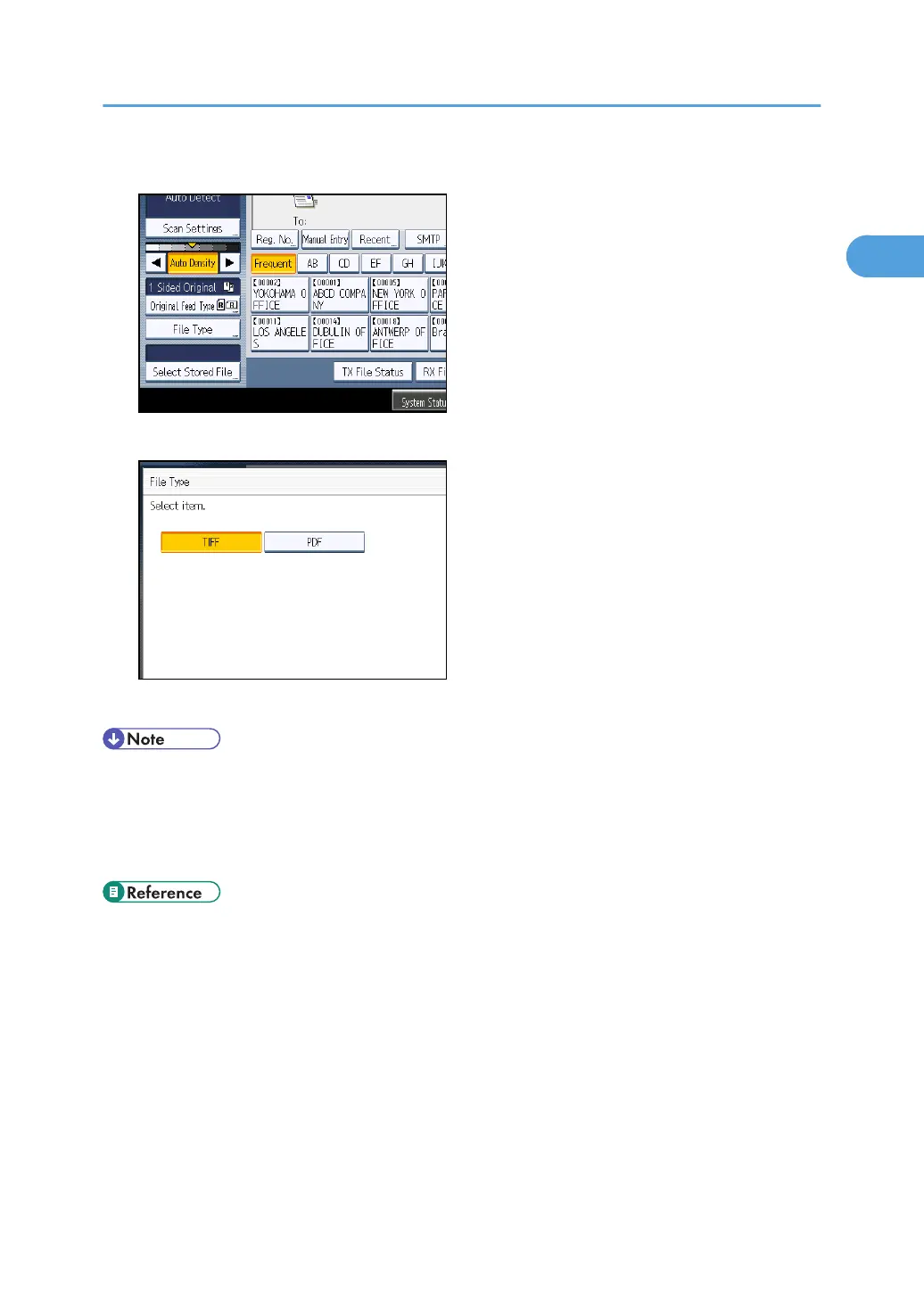
1. Press [E-mail] or [Folder] and press [File Type].
2. Press [TIFF] or [PDF], and then press [OK].
The default setting is TIFF format.
• Even if you specify a format for files being sent to fax, IP-Fax, or Internet fax destinations, the files
will not be converted to the format you specify.
•
For details about an e-mail destination, see “Sending an E-mail (E-mail Destinations)”.
• For details about a folder destination, see “Sending to Folder Destinations (Folder Destinations)”.
• p.101 "Sending an E-mail (E-mail Destinations)"
•
p.108 "Sending to Folder Destinations (Folder Destinations)"
Scan Settings
83



 To Next Page