323, specify “Enable H.323” and “H.323 Settings”. For details about these settings, see “Initial
Settings”.
Ask your administrator whether you should select “SIP” or “H.323” as the protocol.
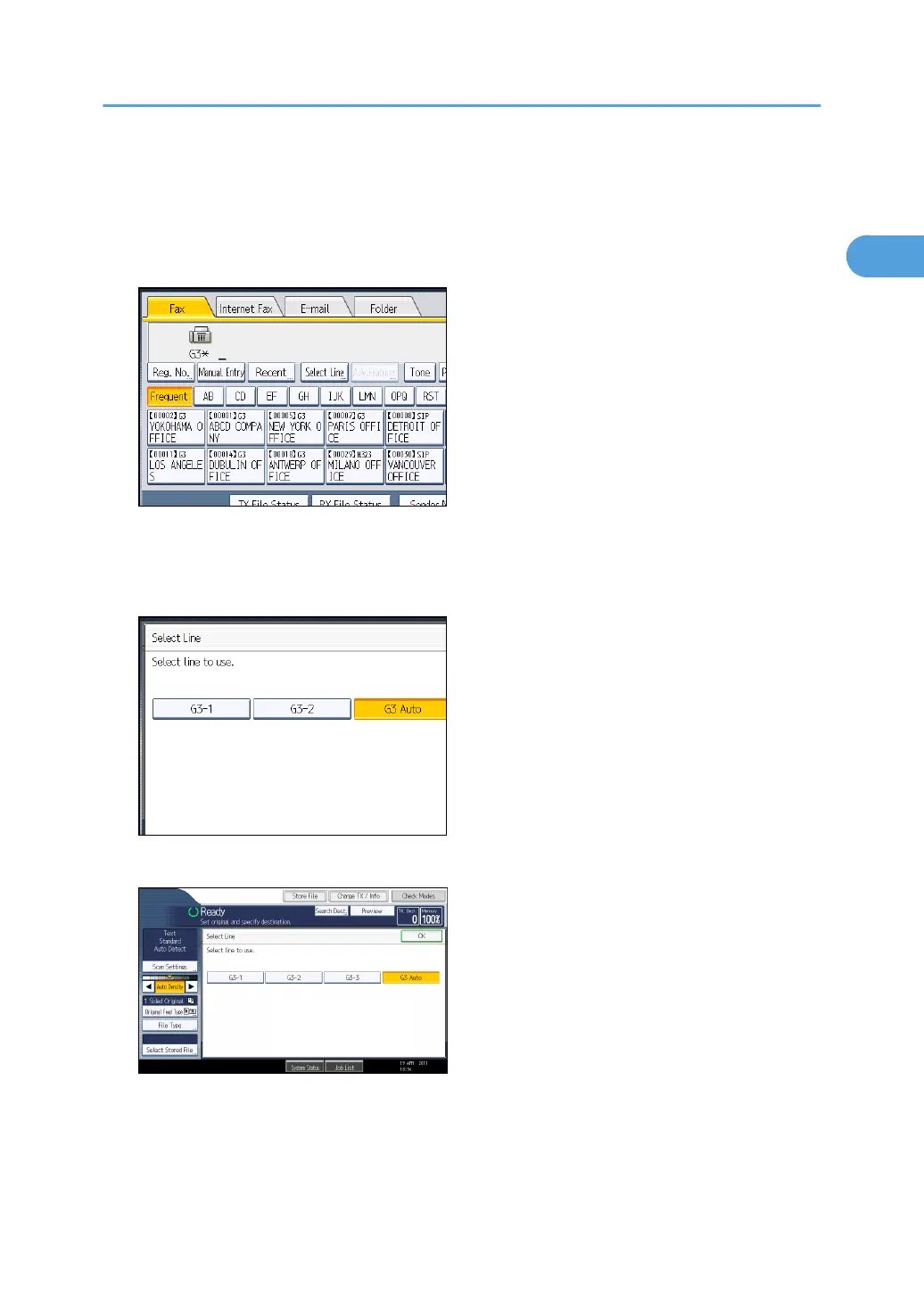
1. Press [Select Line].
2. Select the line you want to use.
If you select “G3 Auto”, the machine will use any available line. This increases efficiency.
When one optional extra G3 unit is installed
When two optional extra G3 units are installed
When H.323/SIP are set to “On”
Changing the Line Port
85



 To Next Page