• When e-mail is sent using this function, even if transmission fails, the server does not send error
notification e-mail.
•
When using this function, you cannot send e-mail to the administrator e-mail address that is
registered on this machine.
There are two ways of specifying a destination, as follows:
By specifying the other party's host name
Specify a destination's e-mail address by adding the other party's host name to the domain part of
the e-mail address. Specify the address after the @ as follows: “host name”, “. (dot)”, and “domain
name”.
xxxx@host name of the other party.domain name
For example, if the other party's e-mail address is “abc@defcompany.com” and the host name is
“HOST”:
abc@HOST.defcompany.com
By specifying the other party's IP address
Specify a destination's e-mail address by changing the domain part of the e-mail address to the
other party's IP address.
xxxx@[the other party's IP address]
For example, if the other party's e-mail address is “abc@defcompany.com” and the IP address is
“192.168.1.10”:
abc@[192.168.1.10]
Use the following procedure to bypass the SMTP server.
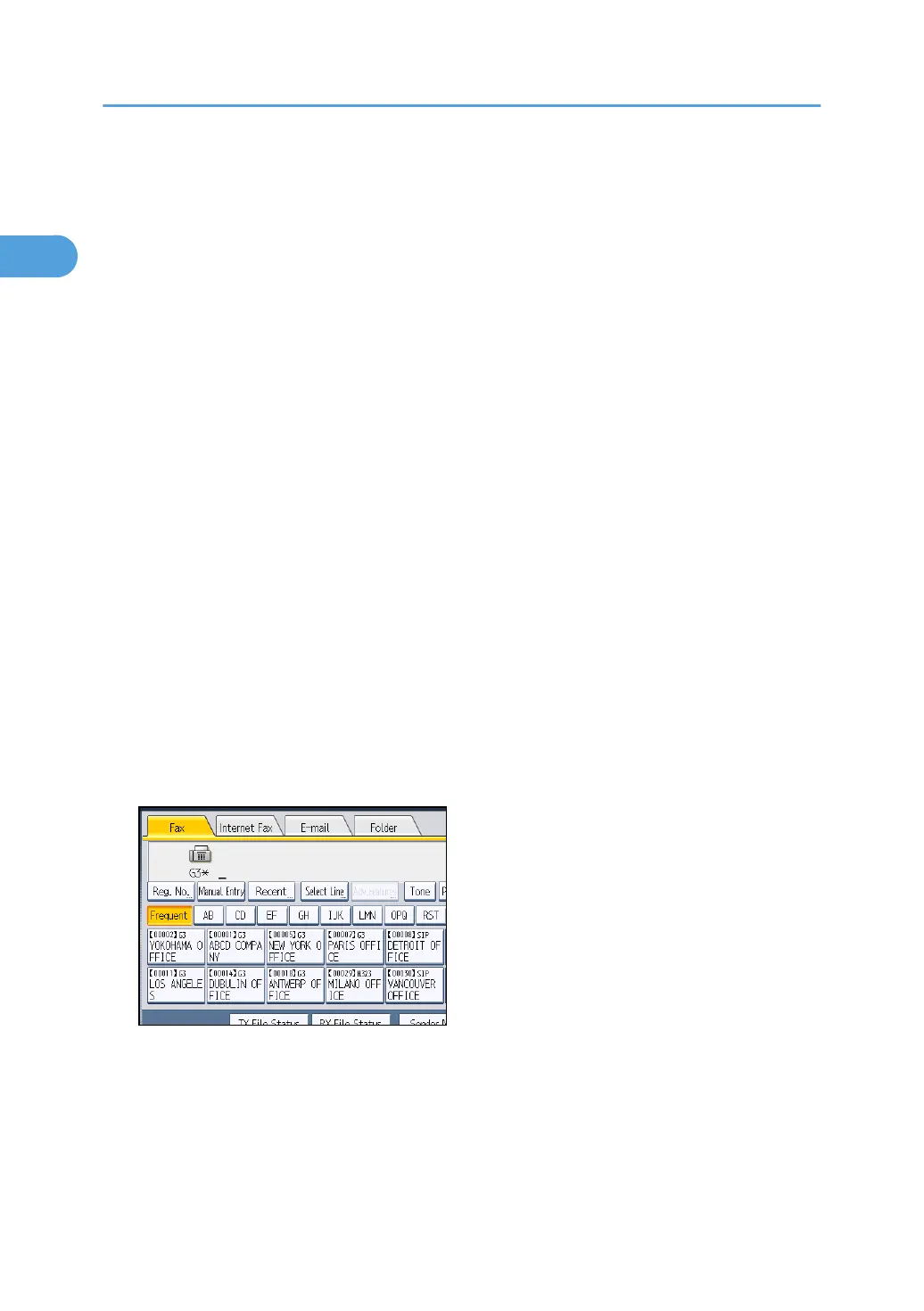
1. Press [E-mail] to switch the transmission type to e-mail, and then specify a destination.
1. Transmission
106



 To Next Page