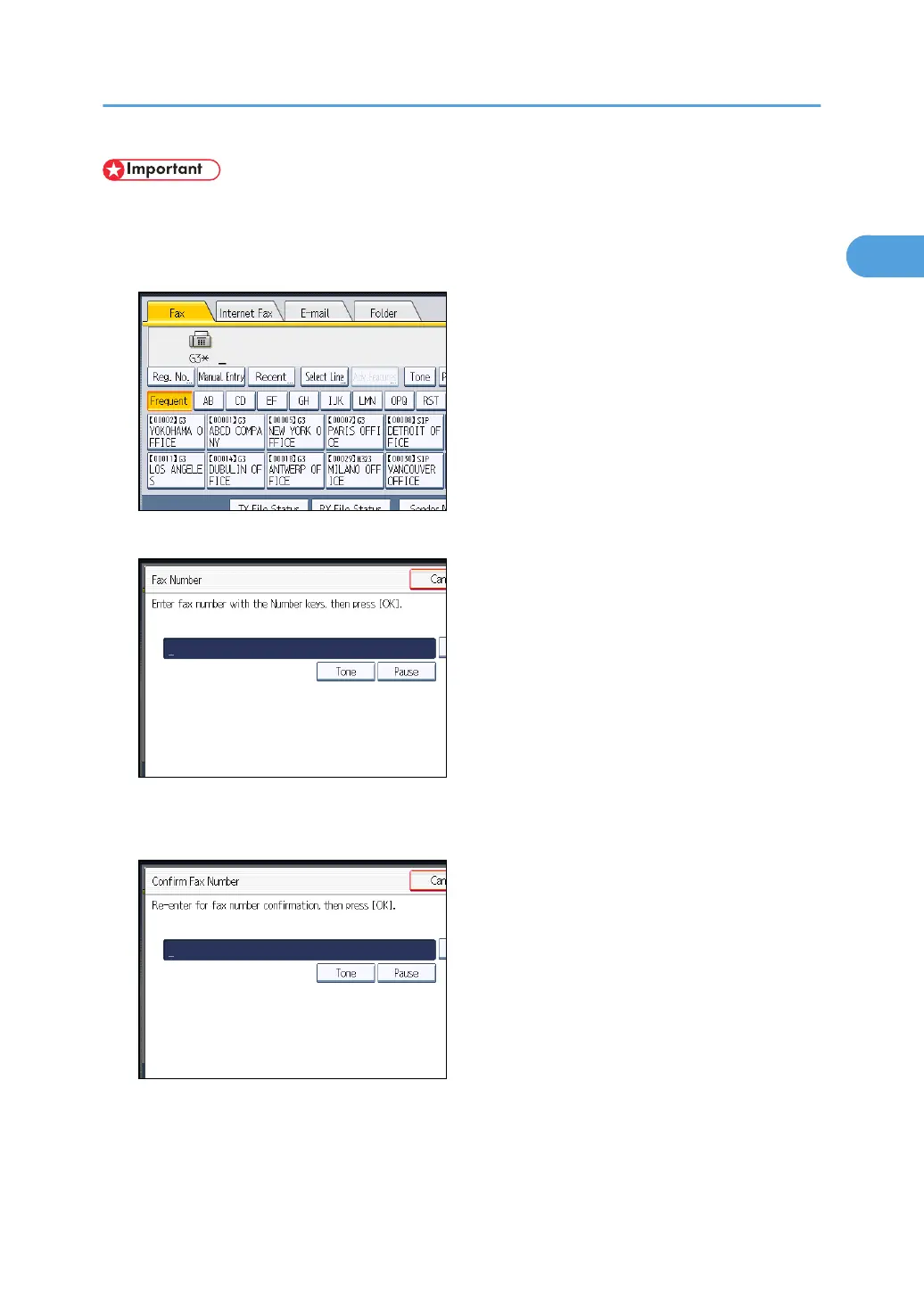
• When using this function, you must press [Manual Entry] on the standby display to enter the fax
number.
1. Press [Manual Entry].
2. Enter the fax number using the number keys, and then press [OK].
If you make a mistake, press [Clear], and then enter the number again.
3. Enter the fax number again, and then press [OK].
The destination is specified.
Specifying a Destination
115



 To Next Page