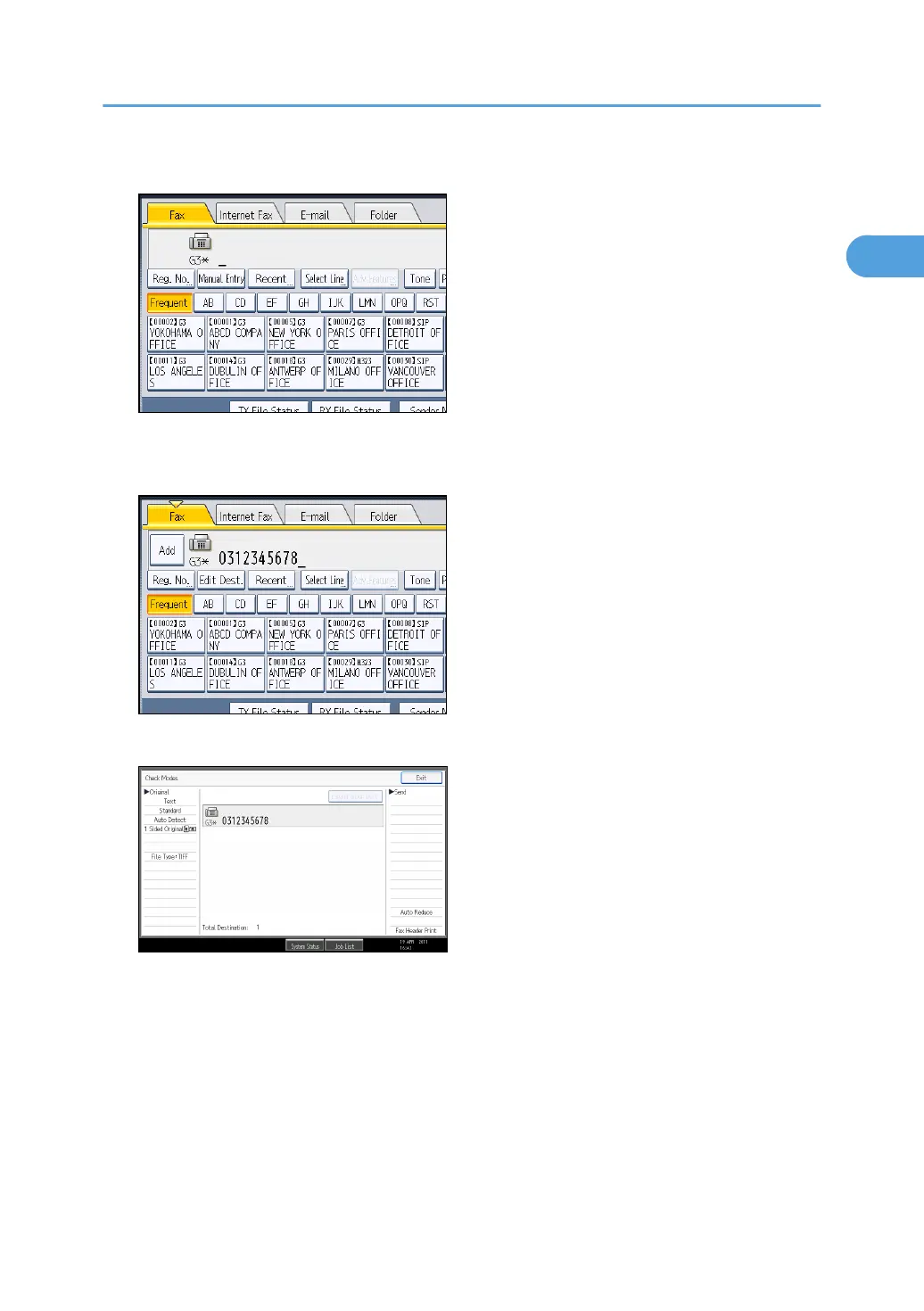
1. Specify the destination.
If you make a mistake, press the [Clear/Stop] key, and then enter the number again.
2. Press the [Start] key.
Displays the destination and the transmission settings.
To change the destination, press [Exit], and then specify the destination again.
3. Press the [Start] key again.
Transmission starts.
After transmission, the standby display appears.
Specifying a Destination
117



 To Next Page