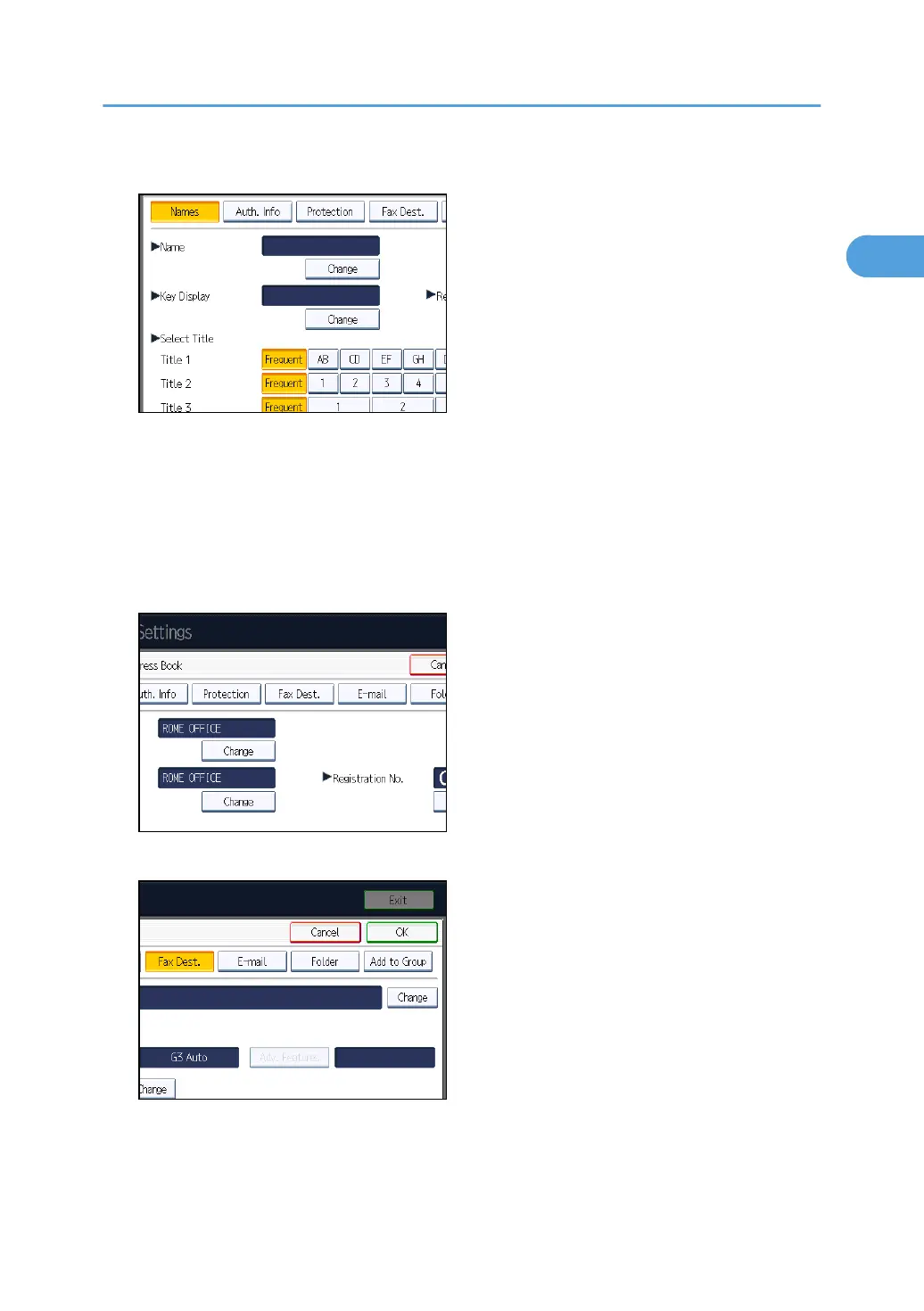
7. Press [Change] under “Name”.
The name entry display appears.
8. Enter the name, and then press [OK].
If necessary, press [Change] under “Key Display”, and then enter the name of the key to which the
destination is assigned.
9. Press the key for the classification you want to use under “Select Title”.
10. Press [Fax Dest.].
11. Press [Change] under “Fax Destination”.
12. Enter the fax number using the number keys, and then press [OK].
13. Specify the following functions for each destination, as necessary:
•
Select Line: specify a line port for each destination.
Registering Destinations in the Address Book
121



 To Next Page