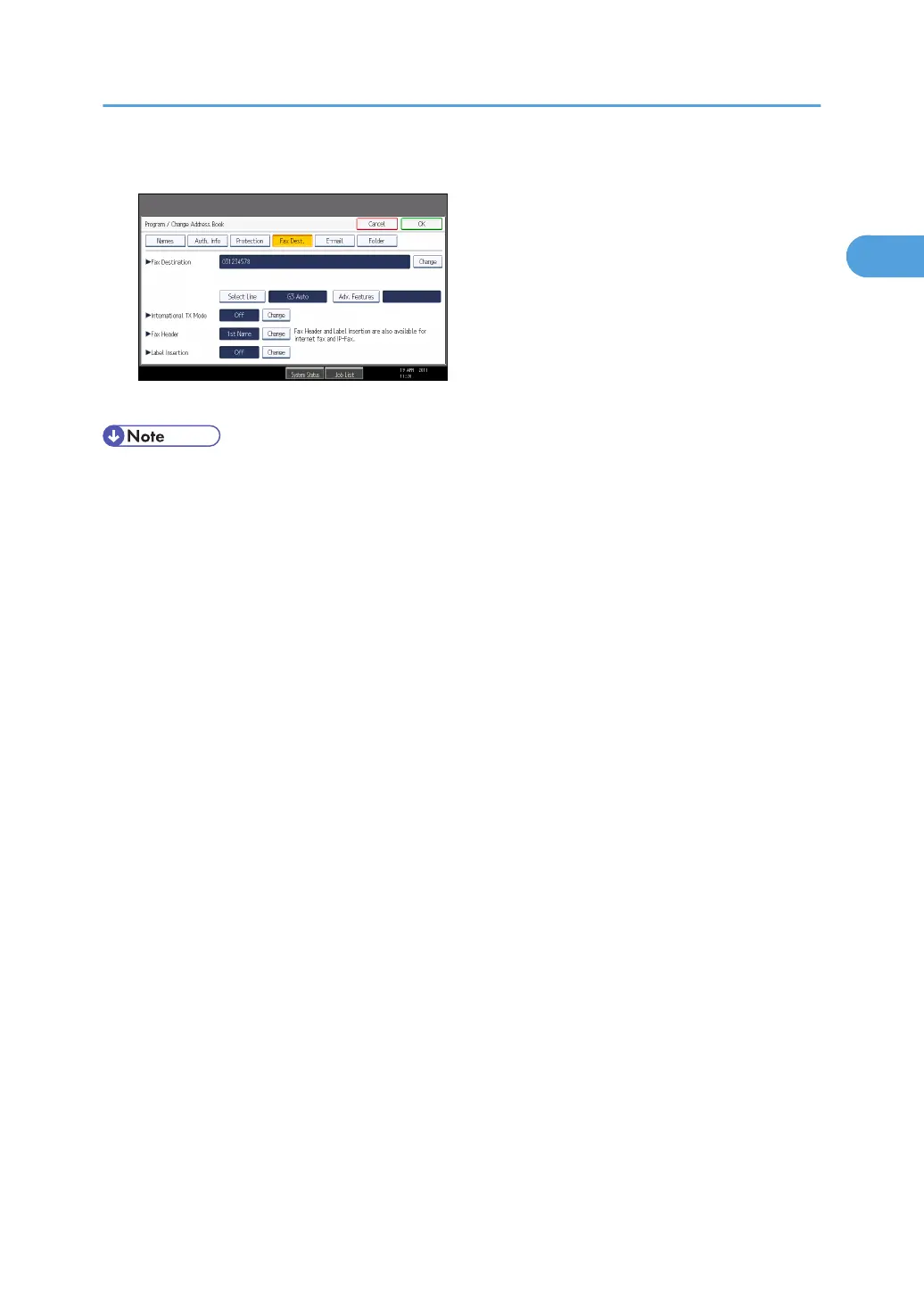
2. Press [Names] and enter any necessary information.
3. Press [OK].
• For details about registering destinations, see “Registering Addresses and Users for Facsimile/
Scanner Functions”, Network and System Settings Reference.
• Depending on the security settings, [Prg. Dest.] might not appear and you might not be able to
register the destination.
Registering Destinations in the Address Book
127



 To Next Page