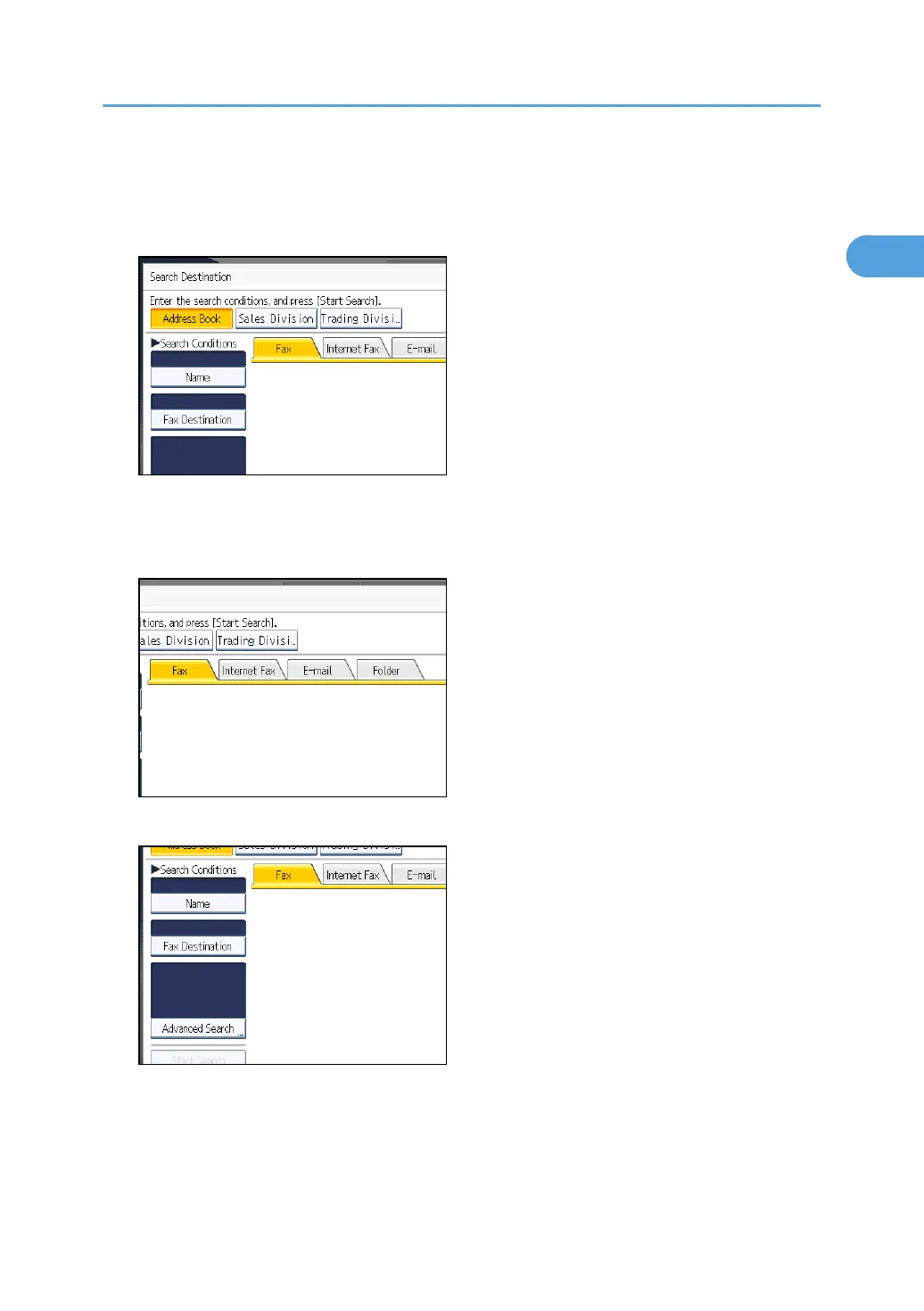
2. Select a search destination.
To search through the Address Book, select [Address Book].
To search through an LDAP server, select the relevant LDAP server.
3. Press the transmission type tab to switch the transmission type to fax/IP-Fax, Internet
Fax, e-mail, or folder.
If you selected an LDAP server in step 2, you cannot select [Folder].
4. Press [Name].
Searching for a Destination in the Address Book
129



 To Next Page