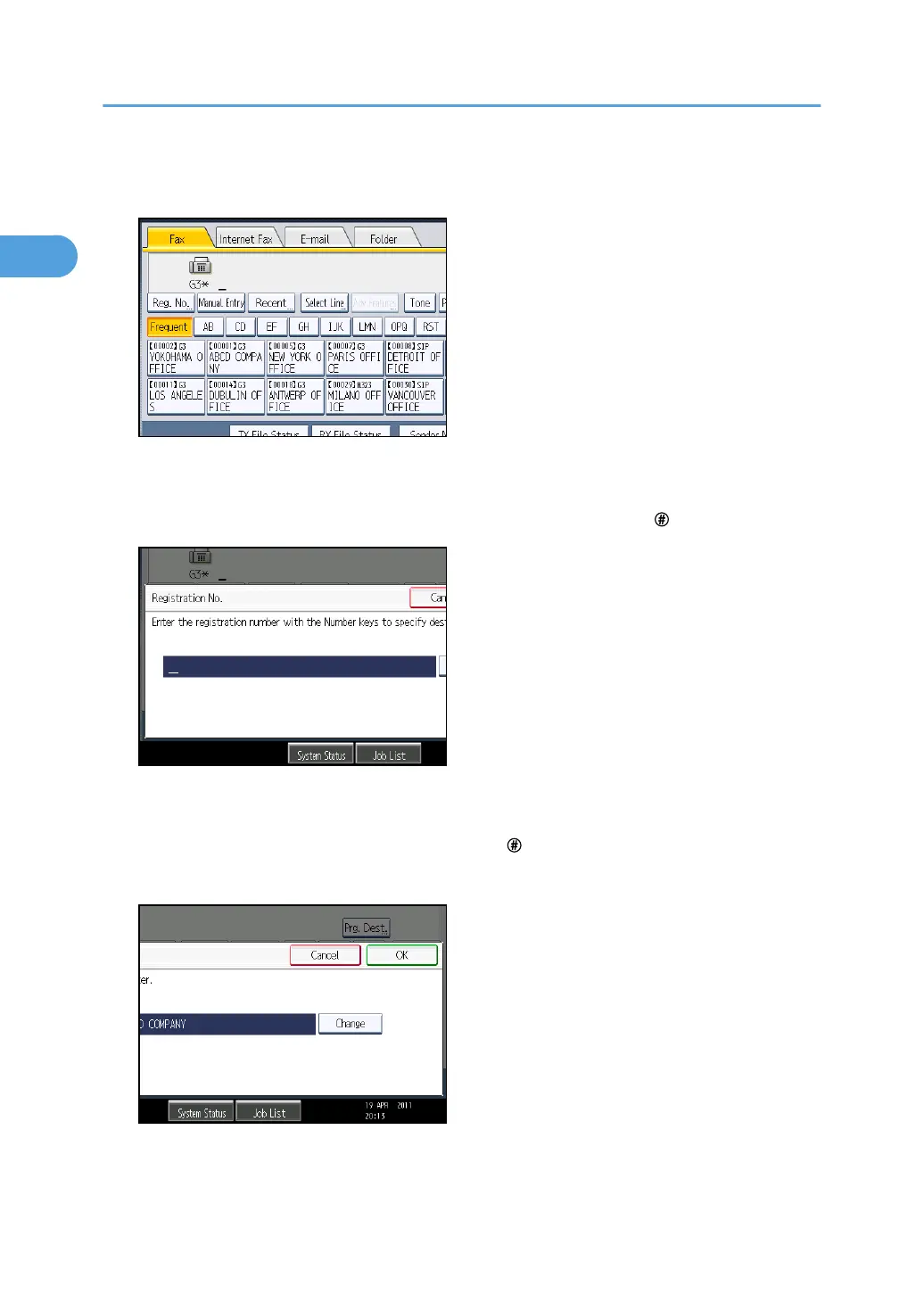
1. Press the transmission type tab to switch the transmission type to fax/IP-Fax, Internet
Fax, e-mail, or folder.
2. Press [Reg. No.].
The registration number entry display appears.
3. Enter a registration number using the number keys, and then press [ ].
While usually a registration number is displayed in the five-digit format, you do not need to enter
the first zeros of a registration number.
If you make a mistake, press [Clear] before pressing [ ], and then try again.
4. Press [OK].
The corresponding destination appears.
1. Transmission
144



 To Next Page