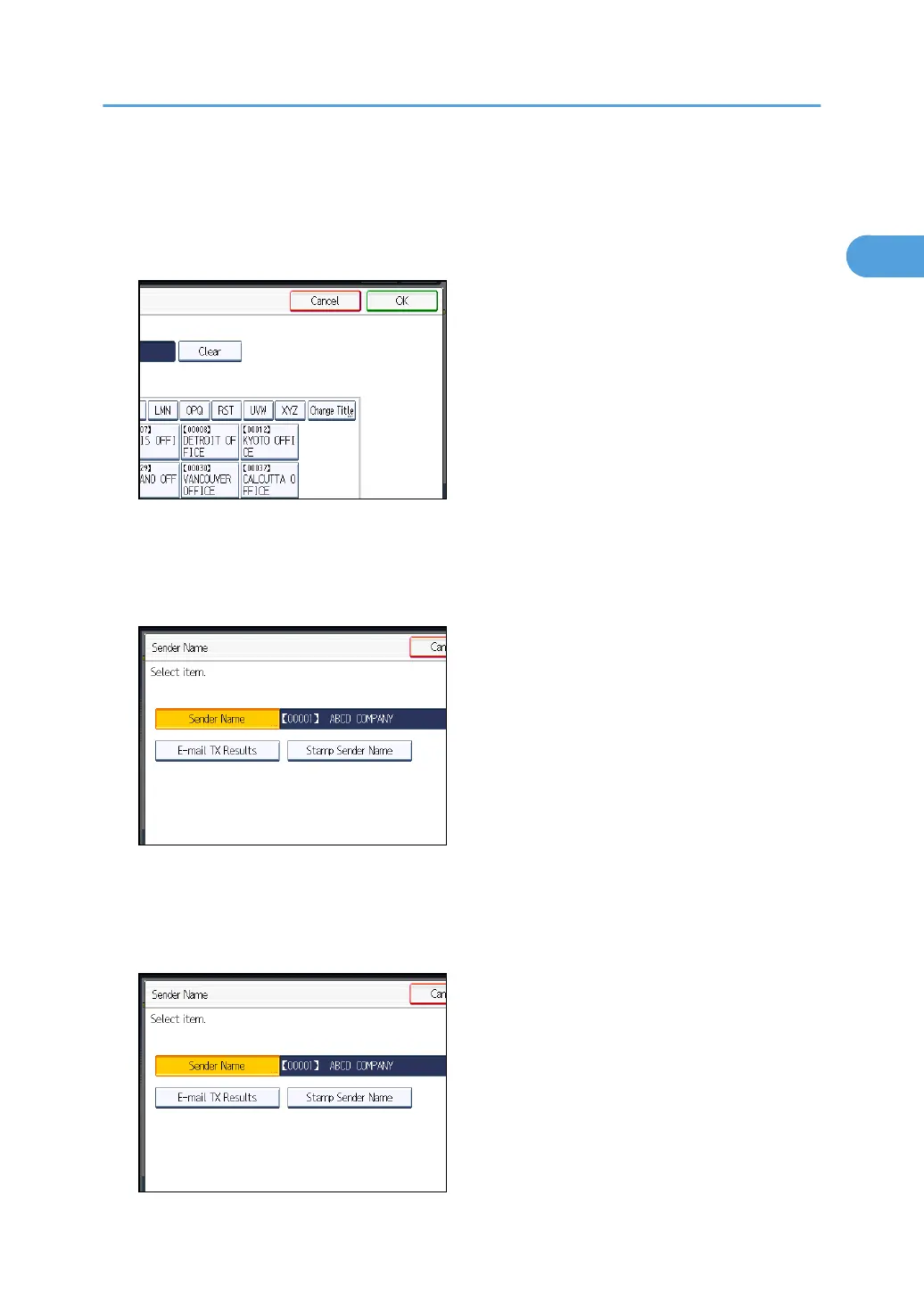
To search for a sender from the Address Book, press [Search].
If a destination protection code is set, the entry screen appears. Enter the protection code for
destination using the number keys, and then press [OK].
4. Confirm the selected sender, and then press [OK].
5. To print the sender's name on the receiver's sheet, press [Stamp Sender Name] to
highlight it.
If you enable this function, the sender's name (user name) appears on the receiver's sheet, lists, and
report.
6. To confirm the transmission results by e-mail notification, press [E-mail TX Results] to
highlight it.
If the sender's e-mail address is registered, you can send the transmission result to the registered e-
mail address.
Sender Settings
151



 To Next Page