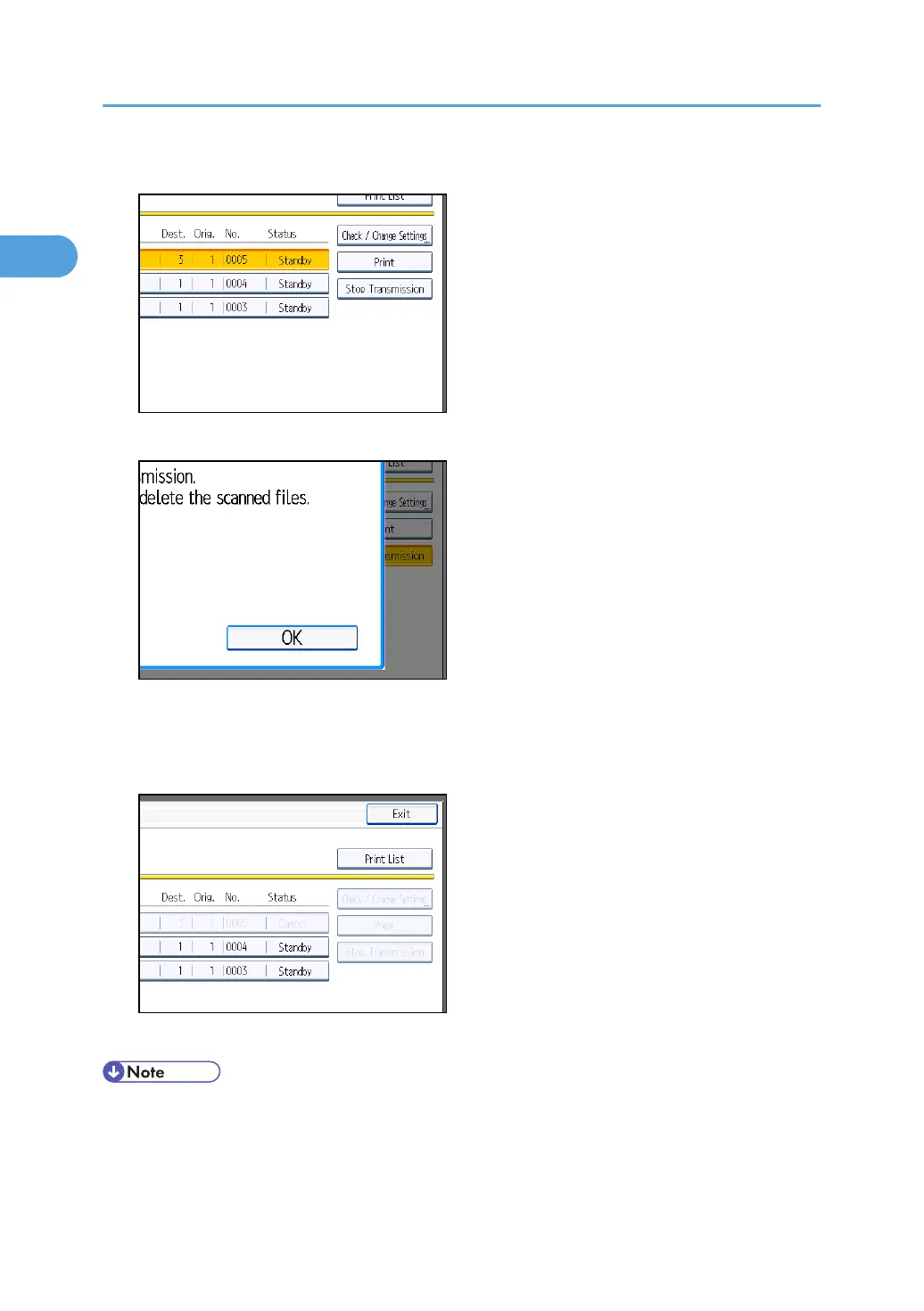
4. Press [Stop Transmission].
5. Press [OK].
To cancel another file, repeat steps 3 through 5.
To cancel stopping transmission, press [Cancel].
6. Press [Exit] twice.
The standby display appears.
• To delete some destinations from a broadcast, see “Deleting a Destination from a Broadcast”.
•
If you cancel a transmission while the file is being sent, some pages of your file may have already
been sent and is received at the other end.
1. Transmission
166



 To Next Page