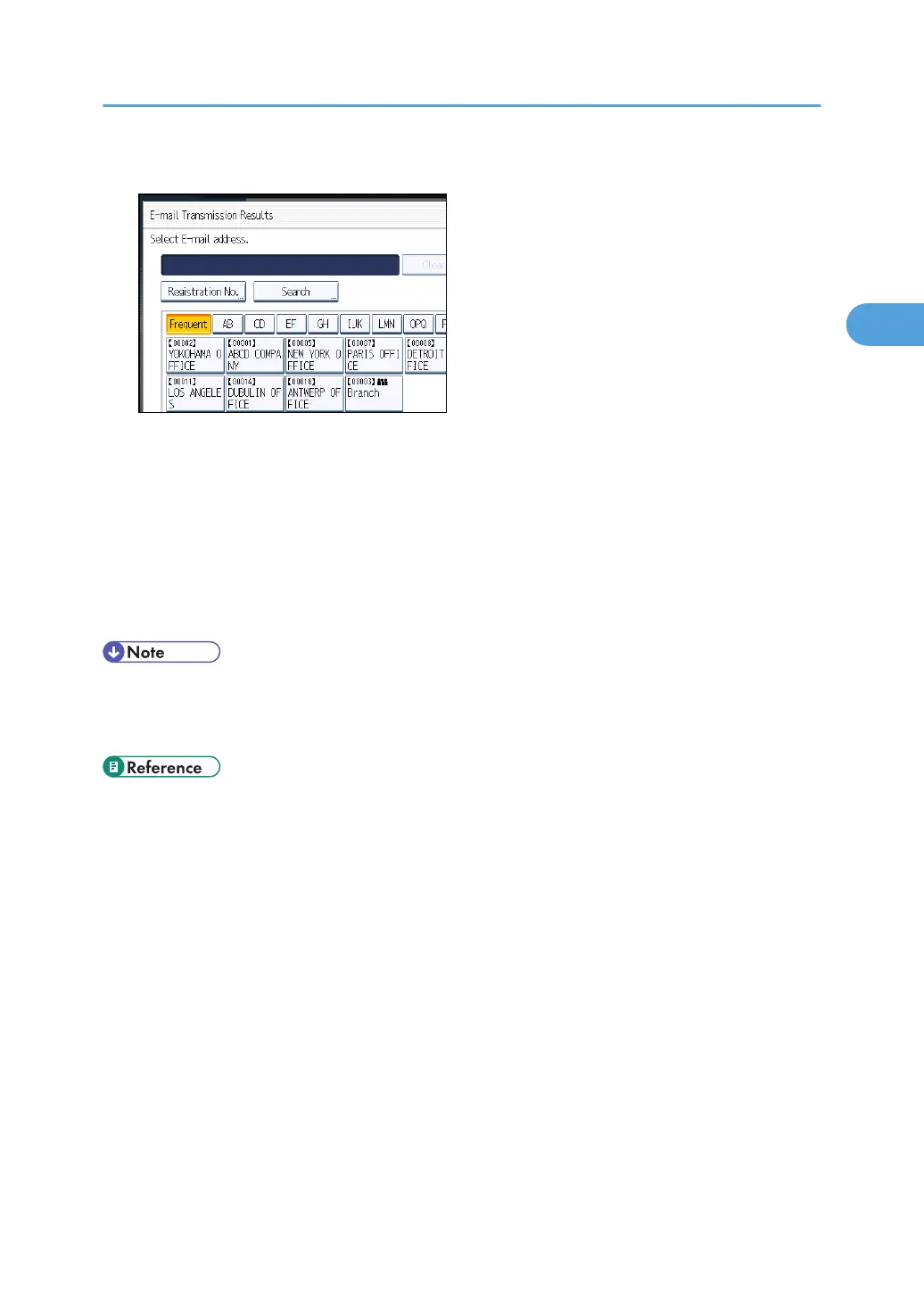
5. Select the destination of notification, and then press [OK].
If you make a mistake, before pressing [OK], press [Clear] or press the selected Destination key
again to turn the highlight off.
[E-mail TX Results] gets highlighted and the destination of notification selected appears.
6. Press [OK].
The standby display appears.
To check the settings, press [TX Mode].
7. Specify a destination, and then press the [Start] key.
• You can program one of the Quick Operation keys with operations for this function. Using the
Quick Operation Key allows you to omit steps 3 and 6. For details about Quick Operation Key,
see “General Settings”.
• p.150 "Sender Settings"
•
p.349 "General Settings"
Confirming Transmission Results by E-mail
183



 To Next Page