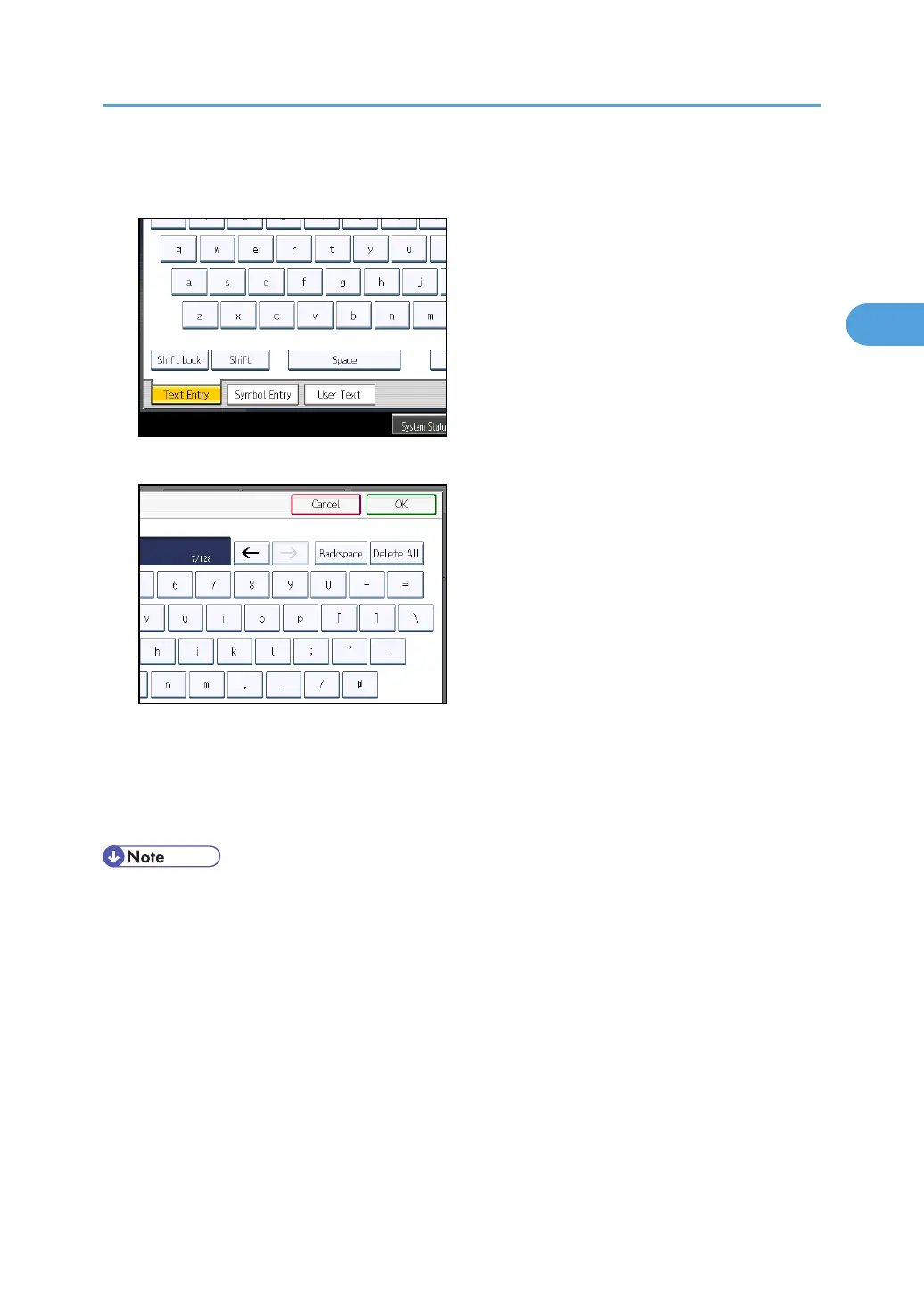
6. To enter the character strings programmed in the machine, press [User Text], and then
select the character strings you want to enter.
7. Press [OK].
The entered subject appears in the Subject field.
8. Press [OK].
The standby display appears.
9. Specify a destination, and then press the [Start] key.
• For convenience, program frequently-used subjects in advance in “Program / Change / Delete
User Text” in “System Settings”. For details about the programming method, see “General
Features”, Network and System Settings Reference.
•
If you send Internet Fax or e-mail without setting a subject, a subject is automatically inserted. For
details about how the subject is automatically inserted, see “Specifying Auto-Generated Subjects
for E-mail” and “Received images”.
• You cannot send a subject only as Internet Fax or e-mail without an original.
• For details about text entry, see “Entering Text”, About This Machine.
• You can program one of the Quick Operation keys with operations for this function. Using the
Quick Operation Key allows you to omit steps 3 and 8. For details about Quick Operation Key,
see “General Settings”.
• For the maximum number of characters for an e-mail subject, see “Maximum Values”.
Entering the Subject
185



 To Next Page