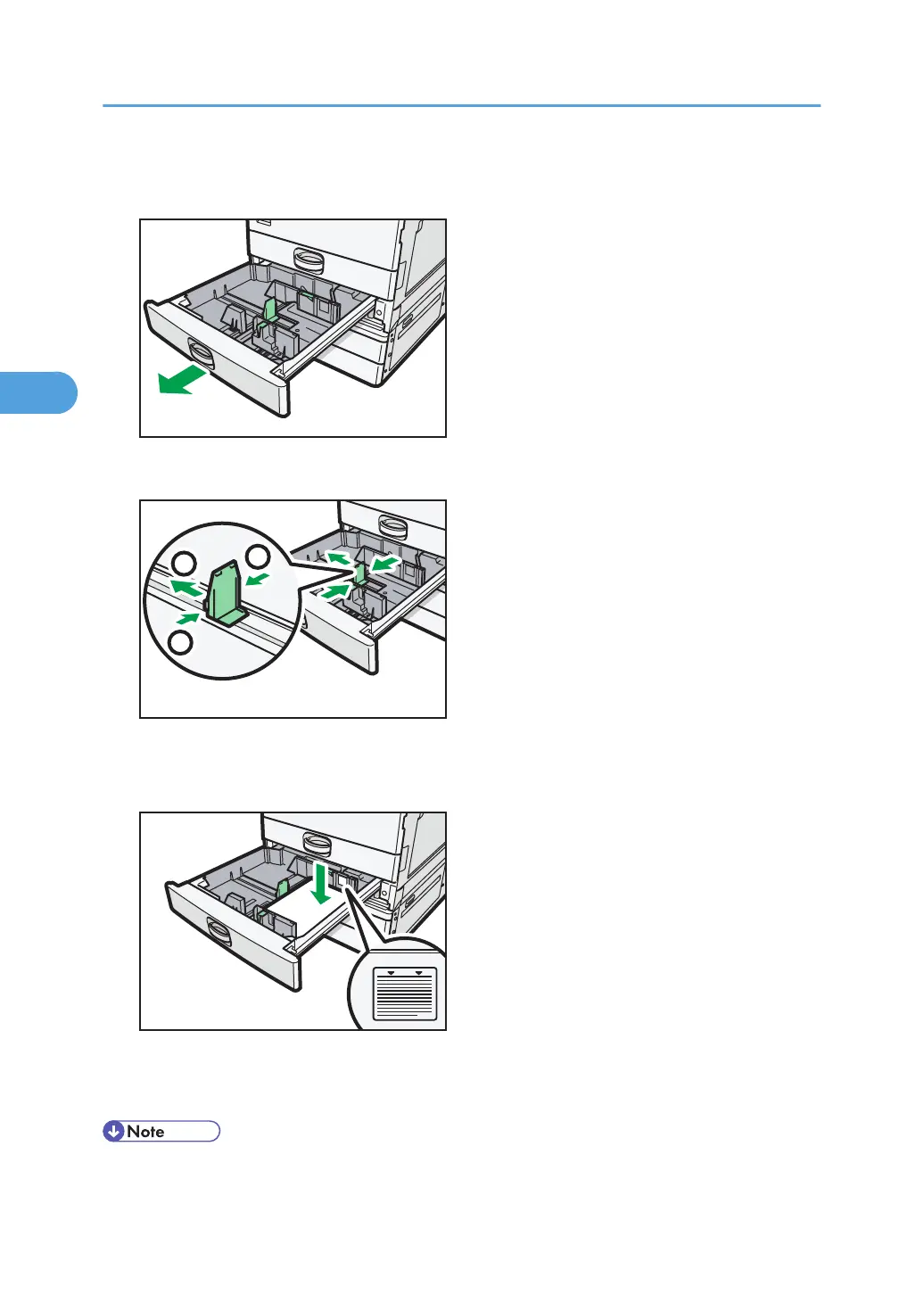
1. Check that paper in the paper tray is not being used, and then pull the tray carefully out
until it stops.
2. While pinching the release lever, slide the end fence outward.
3. Square the paper and load it print side up.
Do not stack paper over the limit mark.
4. Position the end fence flush against the paper.
5. Carefully push the paper tray fully in.
• When loading a low number of sheets, be sure not to squeeze the side fences in too tightly. If the
paper bows, it might not feed in properly.
3. Adding Paper
58



 To Next Page