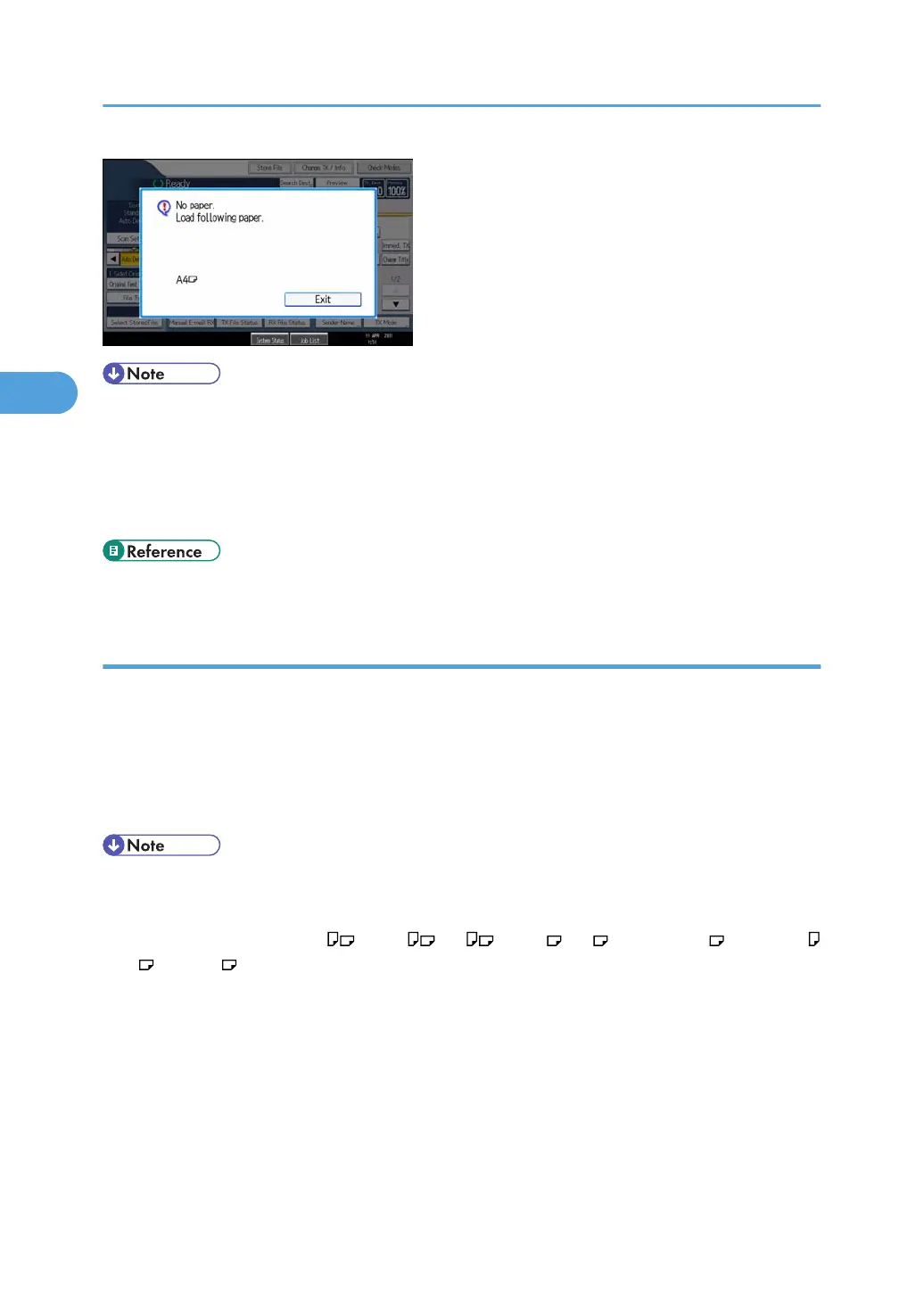
• After pressing [Exit], procedure varies depending on machine status when the message occurred.
• If any received documents or reports were being printed automatically, the printer
automatically continues printing from where it left off.
• If any documents or reports were being printed manually, the printer does not resume printing.
Perform the operation from the beginning again.
• p.389 "Parameter Settings"
Having incoming documents printed on paper from the bypass tray
You can print documents sent from Specified Senders on paper from the bypass tray.
In “Program Special Sender” in the Facsimile Features menu, set as follows:
• Program a special sender and select the Bypass Tray for the paper tray type.
• Turn on the “Special Reception Function” in “Initial Set Up”.
For details about Program Special Sender, see “Special Senders to Treat Differently”.
• You can load a maximum of 100 sheets of standard paper in the bypass tray.
• You can use a size of paper not loaded in the paper tray(s) in the bypass tray.
• The machine can detect A5 , B5 JIS , A4 , B4 JIS , A3 (5
1
/
2
× 8
1
/
2
, 8
1
/
2
× 11
, 11 × 17 ) paper sizes. When you load any other size, specify the paper size. However, if the
size of the paper on the bypass tray does not match the specified paper size, a message will
appear on the display prompting you to load paper of the specified size. When you have loaded
the paper, press [Exit] to print the document.
• Documents printed on paper smaller than A4 (8
1
/
2
× 11) may be shortened, or split across sheets.
• Paper longer than 600 mm (23.62 inches) may be creased, not sent, or jam.
• Print area depends on optional expansion memory, resolution, and vertical length of originals.
• If you use this function, Image Rotation and 180-degree rotating printing are not possible.
3. Reception
234



 To Next Page