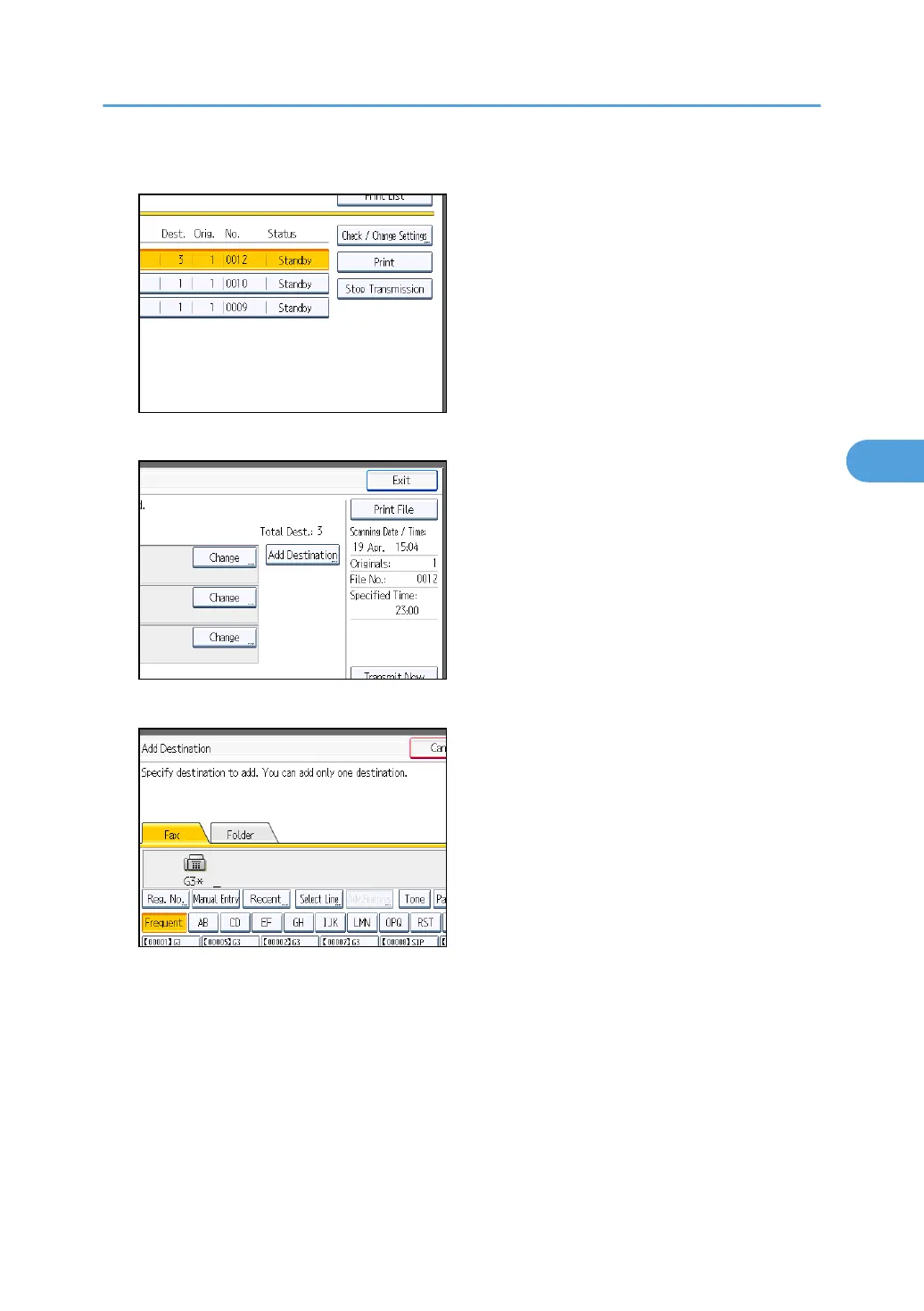
4. Press [Check / Change Settings].
5. Press [Add Destination].
6. Specify the destination using the number keys or Destination keys, and then press [OK].
Press the transmission type tab to switch the transmission type between fax/IP-Fax, Internet Fax, e-
mail, or folder.
If you specify a sender whose e-mail address is already registered, you can add Internet Fax
destinations and e-mail destinations.
You can add a folder destination only with Destination keys.
You can also program a SUB Code or SEP Code by pressing [Adv.Features].
7. Press [Exit].
Repeat from step 3, if you want to add another destination.
Changing the Settings of Files in Memory
243



 To Next Page