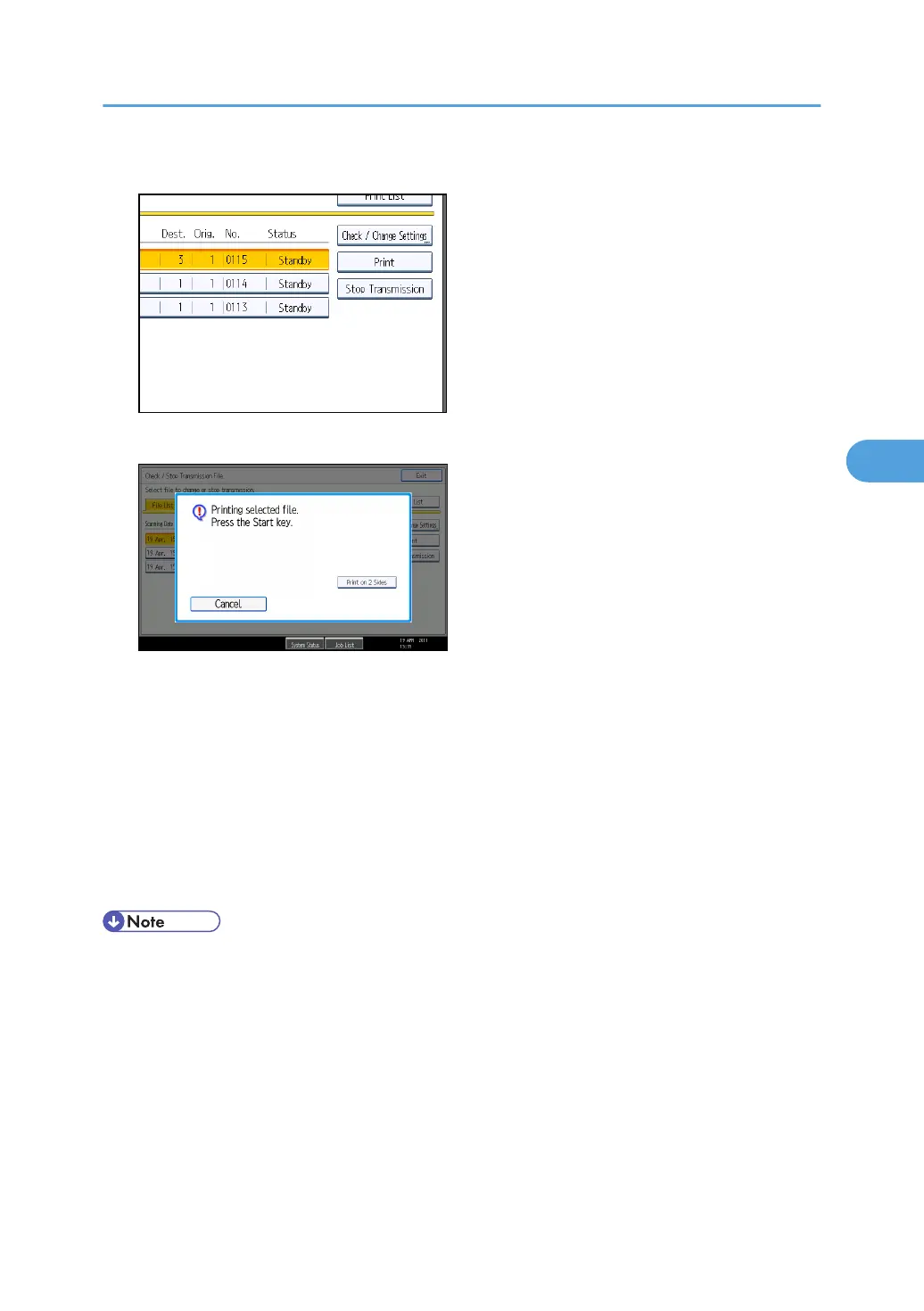
4. Press [Print].
A message appears on the display.
If you want two-sided printing, press [Print on 2 Sides].
To cancel printing, press [Cancel]. The display returns to the previous one.
5. Press the [Start] key.
To cancel printing after pressing the [Start] key, press [Stop Printing]. The display returns to that of
step 4.
Repeat from step 3, if you want to print another file.
6. Press [Exit] twice.
The standby display appears.
• You can also print files that have not been successfully transmitted.
Printing a File from Memory
253



 To Next Page