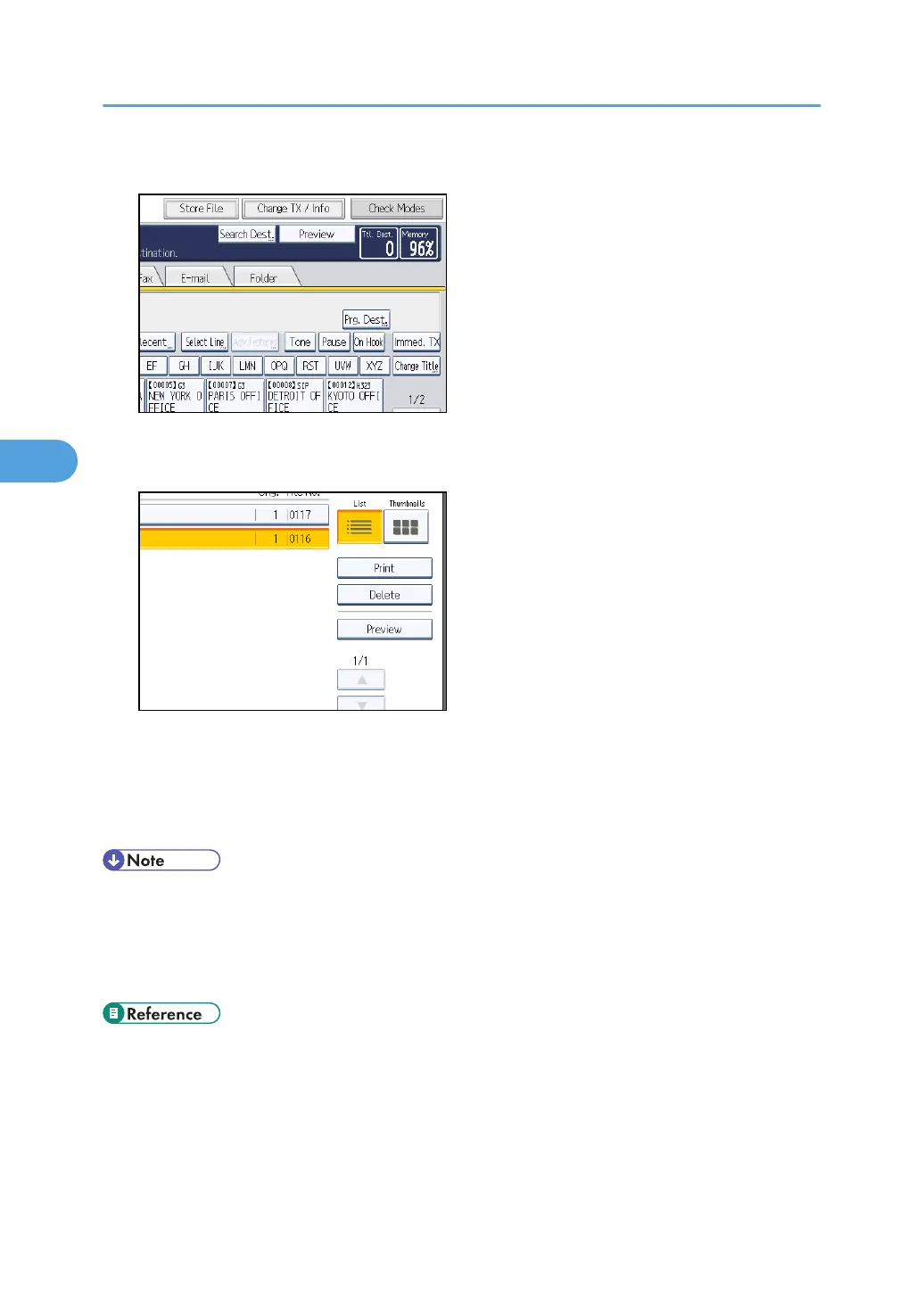
1. Press [Change TX / Info].
2. Select [Print / Delete Stored Reception File].
3. Select a file to be printed, and then press [Delete].
4. Press [Yes].
To cancel a deletion, press [No]. The display returns to that of step 3.
5. Press [Exit] twice.
The standby display appears.
• You cannot delete received and stored documents using the Document Server function.
•
You cannot delete a document while another person is printing it using Web Image Monitor.
• You can specify and delete multiple documents. For the maximum number of documents you can
delete at a time, see “Maximum Values”.
• p.443 "Maximum Values"
4. Changing/Confirming Communication Information
282



 To Next Page