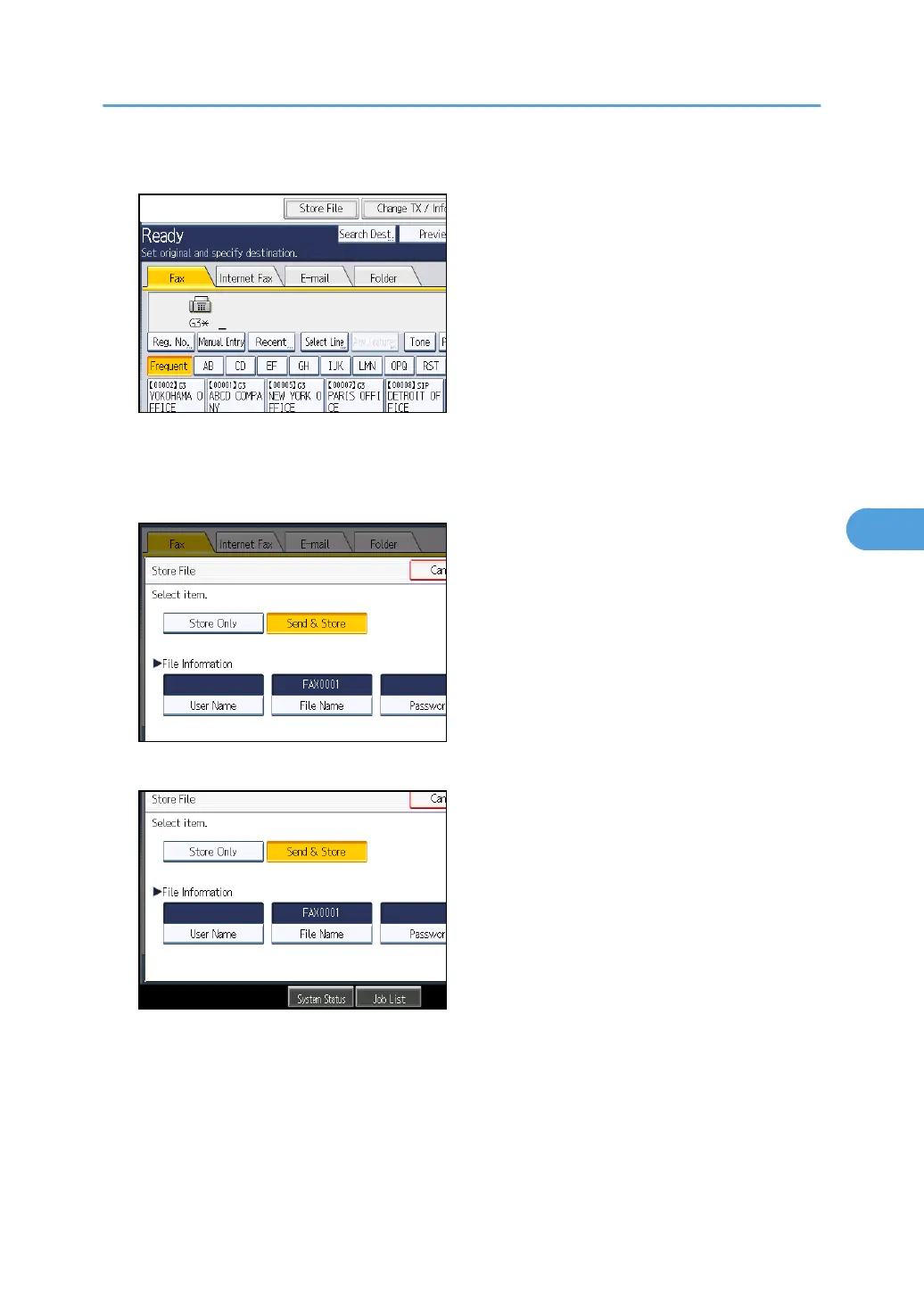
2. Press [Store File].
3. Select [Send & Store] or [Store Only].
Select [Send & Store] to send documents after they are stored.
Select [Store Only] to store documents.
4. Set the user name, file name, and password as necessary.
If you are not setting a user name, file name, or password, proceed to step 5.
You cannot change multiple documents at once.
5. Press [OK].
The file name appears to the left of [Store File].
Sending a Stored File
299



 To Next Page