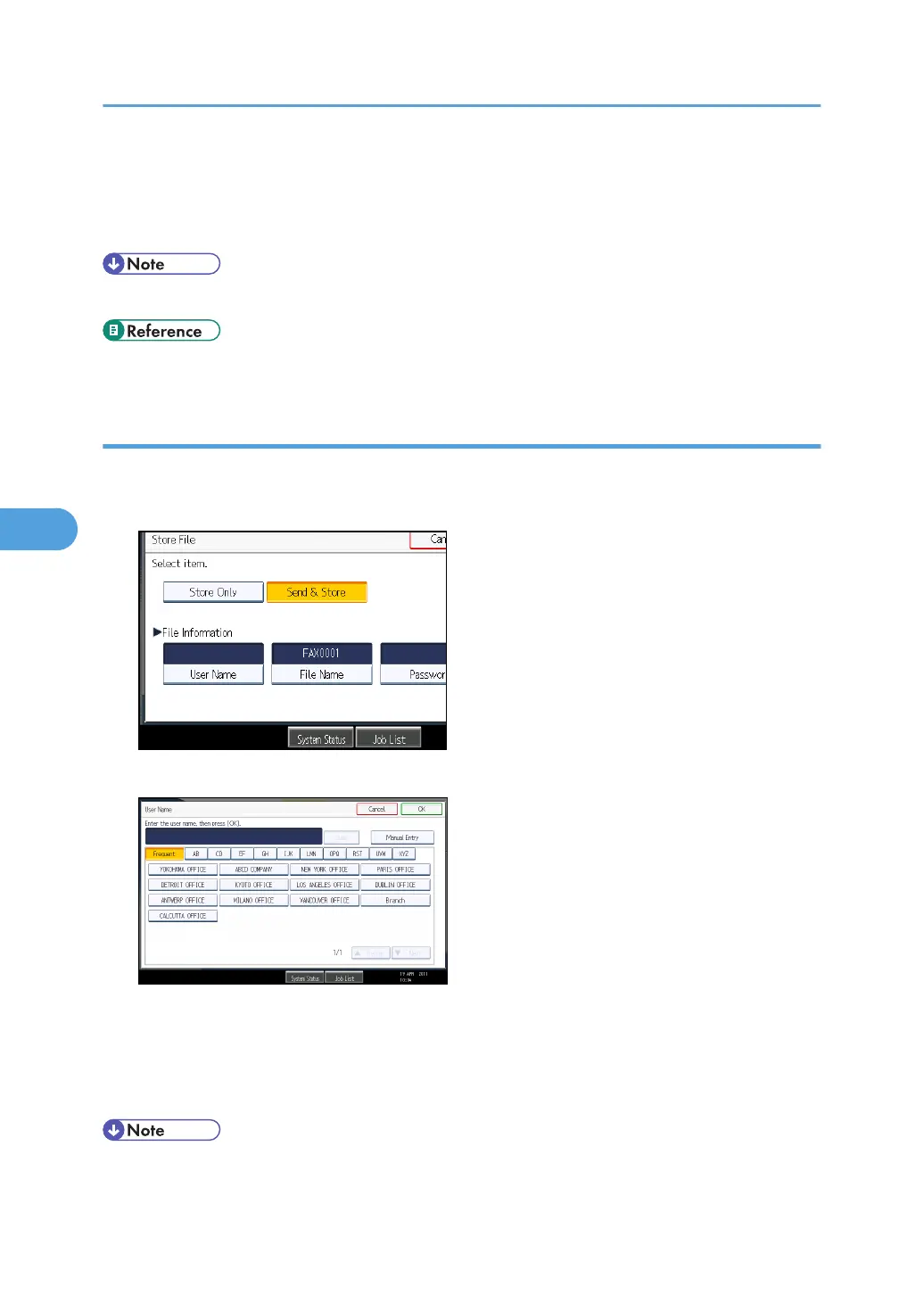
6. If you have selected [Send & Store], specify the receiver.
If you have selected [Store Only], proceed to step 7.
7. Press the [Start] key.
• You can change file names and user names.
• p.55 "Setting the Original Orientation"
Programming a user name
Specify a user name for the file.
1. Press [User Name].
2. Press the user name to be programmed.
Press the title key to switch between titles.
To set a non-programmed user name, press [Manual Entry], and then enter the name. User names
entered by pressing [Manual Entry] are not programmed into the user code.
3. Press [OK].
• Depending on the security settings, [Access Privileges] might be displayed instead of [User Name].
For details about setting [Access Privileges], ask the administrator.
5. Storing a Document
300



 To Next Page