• Manual Dial
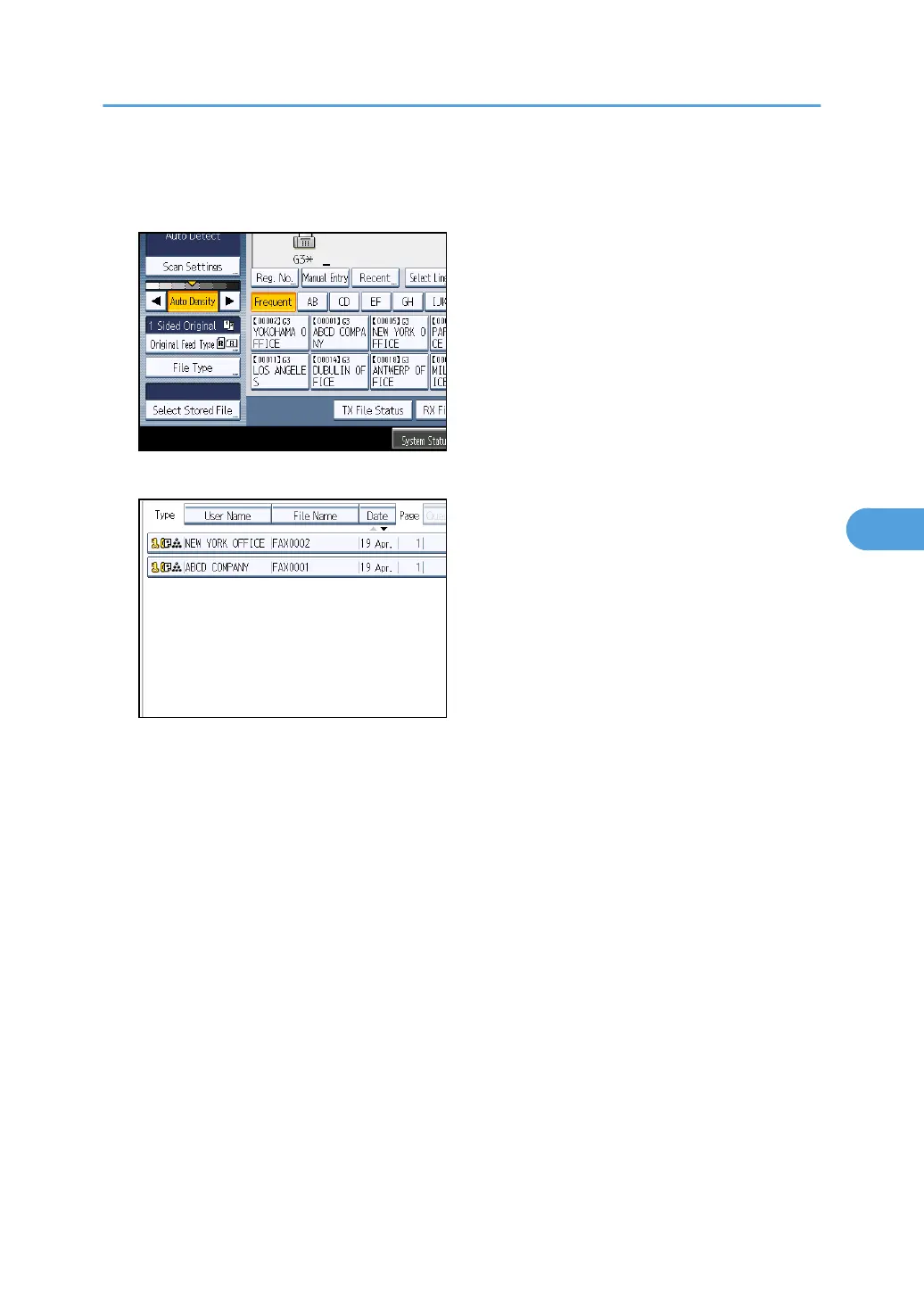
1. Press [Select Stored File].
2. Select the documents to be sent.
When multiple documents are selected, they are sent in the order of selection.
•
Press [Queue] to arrange the order of the documents to be sent.
• Press [File Name] to place the documents in alphabetical order.
• Press [User Name] to place the documents in order by programmed user name.
• Press [Date] to place the documents in order of programmed date.
To view details about stored documents, press [Details].
Press the Thumbnails key to switch the screen to thumbnail display.
Sending a Stored File
303



 To Next Page