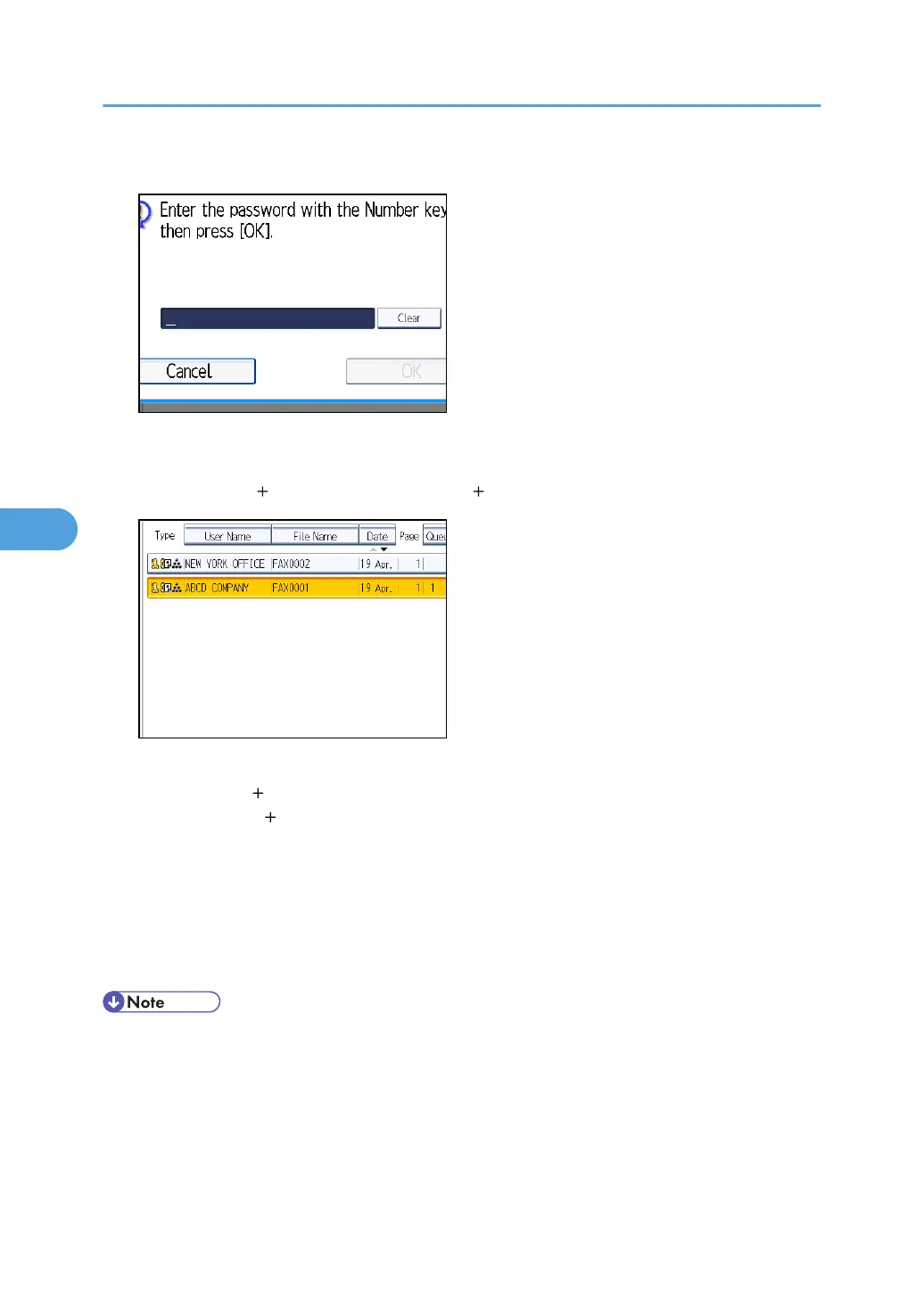
3. If you select a document with a password, enter the password, and then press [OK].
If the document does not have a password, proceed to step 4.
4. When you want to add your originals to stored documents and send them all at once,
press [Original Stored File] or [Stored file Original].
When sending only stored documents, proceed to step 5.
When [Original Stored File] is pressed, the machine sends the originals, and then stored files.
When [Stored file Original] is pressed, the machine sends the stored files, and then originals.
5. Press [OK].
6. Specify the destination, and then press the [Start] key.
To add an original to stored documents, place the original, and then select any scan settings you
require.
The added originals are not stored.
• You can send only documents saved with the facsimile function in the Document Server. You cannot
send documents stored in the Document Server using the copy, printer, or scanner functions.
•
The specified documents are sent with the scan settings made when they were stored.
• To see details of the selected document, press [Details]. To return to the display in step 2, press
[Exit].
• For the maximum values of the following items, see “Maximum Values”:
5. Storing a Document
304


 To Next Page
 Loading...



