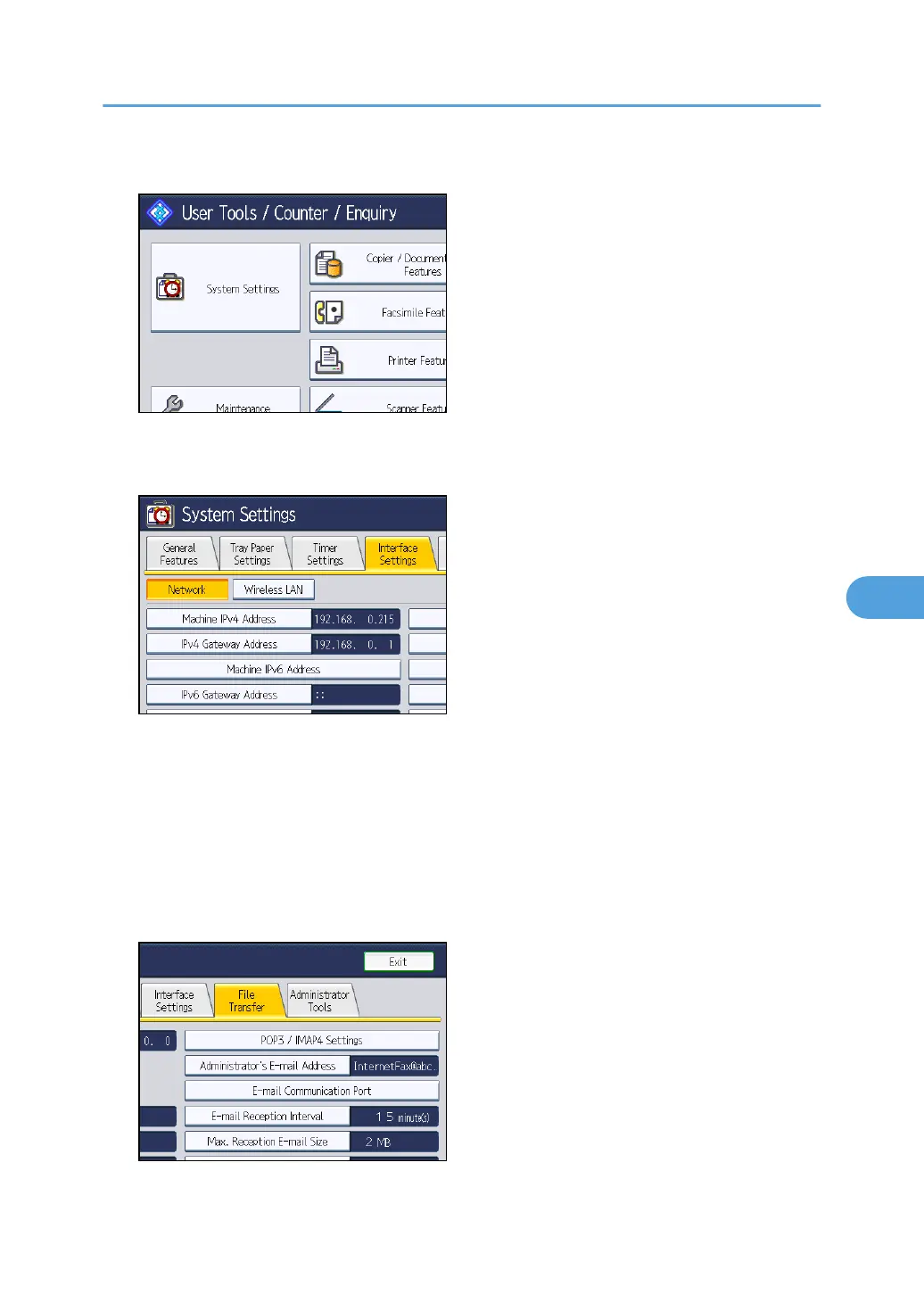
1. Press the [User Tools/Counter] key, and then press [System Settings].
The System Settings screen appears.
2. Press the [Interface Settings] tab.
3. Press [Machine IPv4 Address] to specify the machine's IPv4 address.
To specify a static IPv4 address for this machine, press [Specify], and then enter the IPv4 address
and subnet mask.
To obtain an IPv4 address from a DHCP server automatically, press [Auto-Obtain (DHCP)].
4. Press [IPv4 Gateway Address], and then enter the IPv4 gateway address.
5. Press [Effective Protocol], and then make [IPv4] active.
6. Press the [File Transfer] tab.
7. Press [Delivery Option], and then press [On].
Before Delivering Files
135



 To Next Page