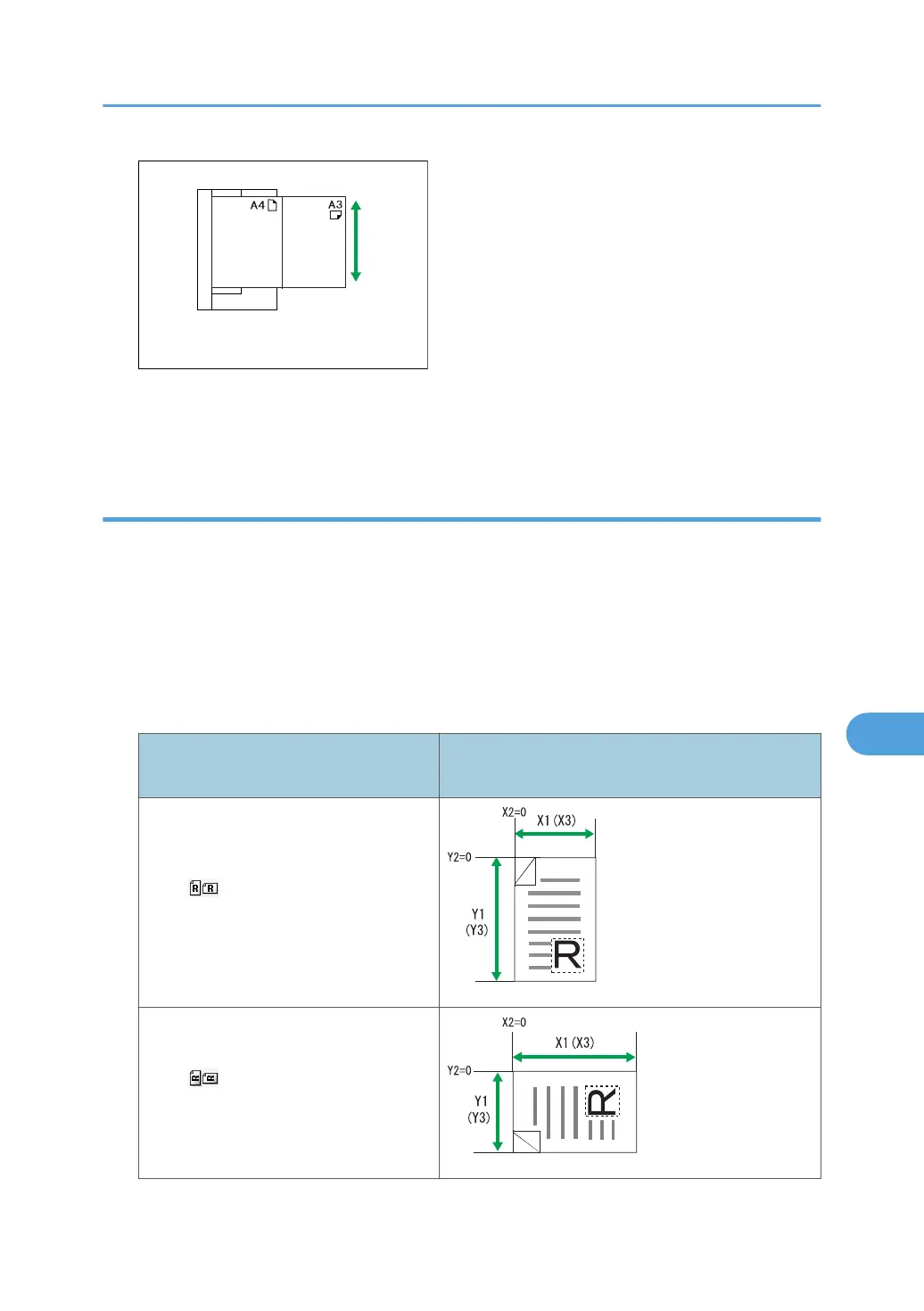
• If you do not select [Mixed Original Sizes] and place originals of different sizes in the ADF, paper
jams might occur or parts of the originals might not be scanned.
Scanning the entire area of a custom size original
This section explains how to specify a custom size for scanning the entire area of an original. If you want
to scan the entire area of a custom size original, select [Custom Size] as the scan size.
To display the custom size setting screen, on the initial scanner screen, press [Scan Settings] > [Scan
Size] > [Custom Size].
The following tables explain how to measure custom size originals and how to specify the scan settings
on the custom size settings screen.
How to measure sizes
Orientation and placement of original
Measuring method for scanning the entire area of a
custom size original
In the orientation on the exposure
glass or in the ADF
In the orientation on the exposure
glass or in the ADF
Scan Settings
167



 To Next Page